A strong image can have a weak label
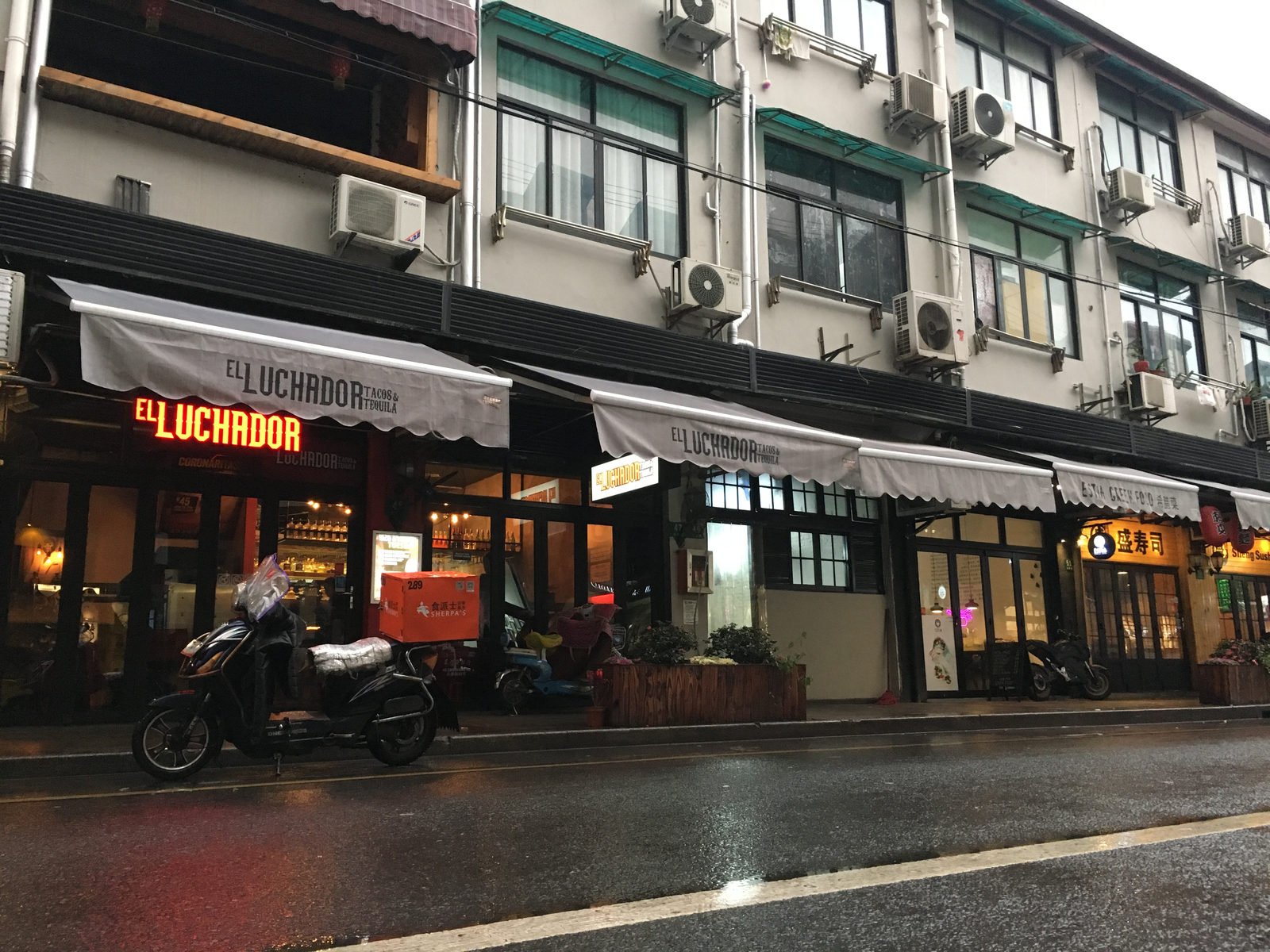
The frame is clear: a market entrance, late sun on the pavement, and buildings across the street. The archive label says only ‘day three’. Several neighborhoods could fit. Where was this photo taken? Search before writing a caption that others will repeat.
Start with the original composition when you can; cropped signs and intersections may hide useful clues. The image search accepts JPG, PNG, and WEBP files up to 8 MB. It examines visible details and proposes candidate places without adding a location to your photograph or archive.
Where was this photo taken? Build a useful location note.
The result shows candidate places, coordinates, and reasons to check against the frame. Does the sign language match? Are the road markings and terrain consistent? A landmark may support one answer; a generic street may justify only a city-level note.
Open the coordinates on a map and look around the proposed point. A pin beside a famous building may represent the building, not the spot where the camera stood. Check the viewing direction and nearby streets before copying a coordinate into a caption. If the evidence remains thin, keep the location broad or mark it as a working lead in your own record.
Check what the file already says
An original JPEG may contain GPS tags from the camera or phone. The free browser reader checks existing tags without using a search credit. Where was this photo taken? A stored coordinate is useful evidence, but it does not by itself prove the shooting position.
A JPEG without GPS is common, and a PNG export or screenshot will not recreate missing camera metadata. The visual search is a separate step for those images. Where a file does contain GPS, compare the map point with the frame and your other notes. This is especially important when the subject is across a square, valley, or body of water.
Use published matches as context
Where was this photo taken? The included source check may find matching public images and pages. A page might publish camera coordinates or a place description, shown separately from the visual estimate. Read the page and compare the image. A similar crop is a lead, not proof of the original source.
Keep the provenance of each clue clear in your notes: one point came from the image estimate, another from an original JPEG, and a third may come from a public page. They can disagree. If a published point names the subject rather than the camera, the difference matters. Choose the wording of your caption to match the evidence you actually have.
Write a caption you can defend later
A careful caption can name a recognizable neighborhood while leaving the camera position open. Where was this photo taken? If the result supports only a city or region, say so in your archive. Revise the caption if better evidence turns up.
Your account shows the 30 most recent searches for review. Pro adds an individual PDF report and CSV export of up to 50 recent completed results. Exports do not provide batch import or EXIF writing, and your archive still needs its own source notes.
Choose the searches you need
A one-time $4.99 Search Pack gives you 20 searches valid for 365 days. Pro is $14.99 per month for 100 searches in each billing period, plus PDF reports and CSV exports. Every plan uses the same location search; Pro does not change the estimate.
View plansA few things worth knowing
Can this write a location into my photo's EXIF data?
No. The visual search presents candidates; the separate JPEG reader checks GPS already in a file. Neither adds tags or restores removed ones. Compare the result with the frame and your shoot records before updating an archive location.
Where was this photo taken if my archive image has no GPS?
Upload the image for a visual search. Signs, architecture, roads, and landscape may support a possible place without metadata. A common or tightly cropped scene may justify only a city or region. Keep that uncertainty in the caption.
Can I answer “where was this picture taken” for a whole shoot?
The current workflow searches one image at a time; it does not ingest a folder or write archive labels. Each completed image search uses one credit. Start with frames whose location notes are missing or disputed, and review the map and evidence for each.