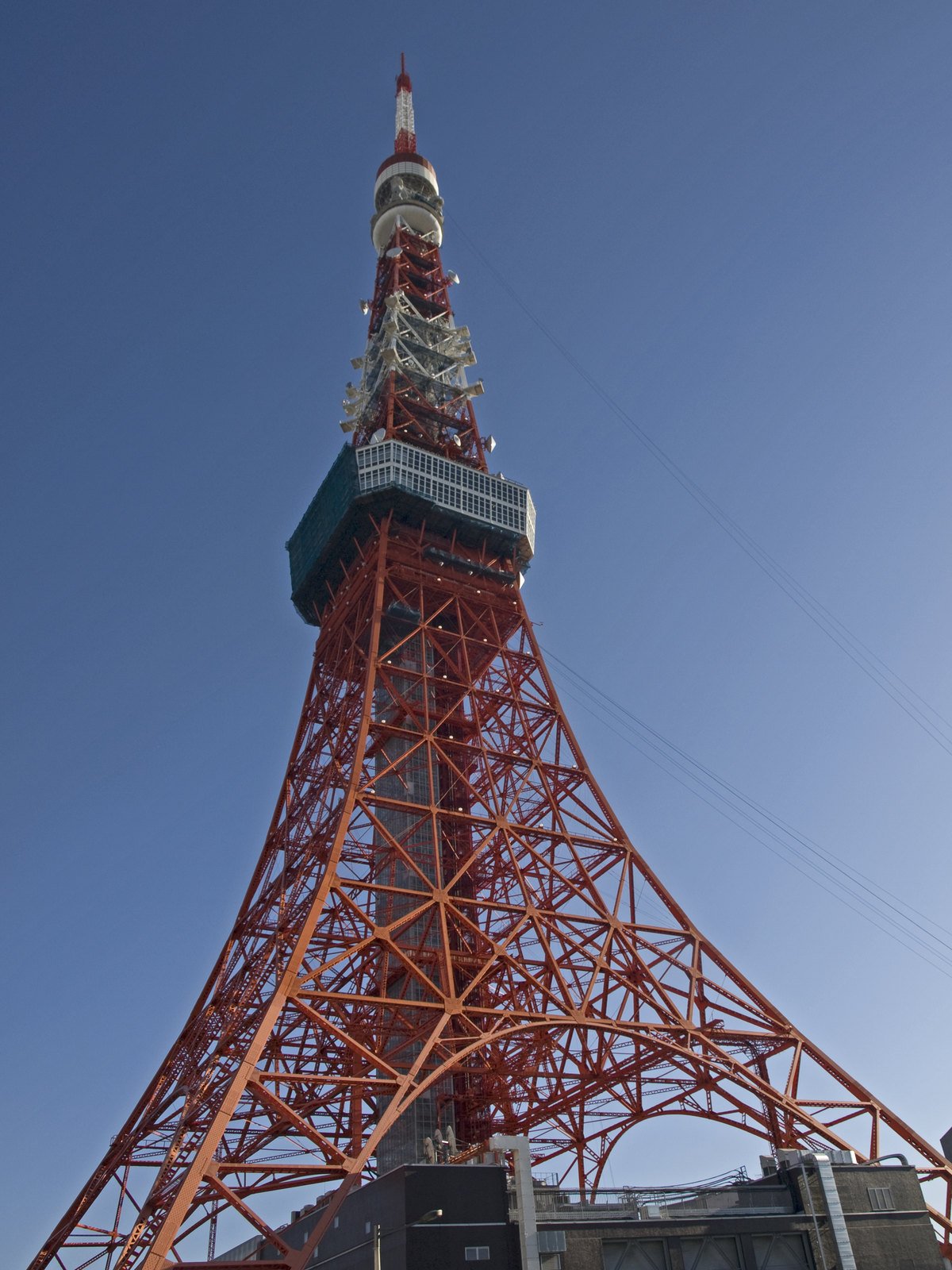
Landmark · tested
Tokyo Tower, Japan
Where was this photo taken? Tokyo Tower was the first predicted landmark, 95 m from the source-published camera coordinates in this recorded test. Response: 6.1 s.
Ymblanter · CC BY-SA 4.0AI photo location finder
Where was this photo taken? Upload the image to get possible places, coordinates, a map, and visual clues. When the first estimate needs more context, an included image-source check may help. Where was this photo taken? Start with a clear view; GPS tags are not required.
Sign in to locate a photo.
Read JPEG GPS for freeA recorded photo location result. Compare the predicted point with the original scene, then try a photo of your own.
These are recorded searches, not live reruns. Where was this photo taken? A new image may have different clues, speed, and accuracy.
Where was this photo taken? Each example shows a real image, its first recorded prediction, coordinates, response time, and distance from a published camera point. Open the image and map together. Where was this photo taken? The answer in a new search may be broader or wrong, so compare the visible scene with the candidate.
Where was this photo taken? Tokyo Tower was the first predicted landmark, 95 m from the source-published camera coordinates in this recorded test. Response: 6.1 s.
Ymblanter · CC BY-SA 4.0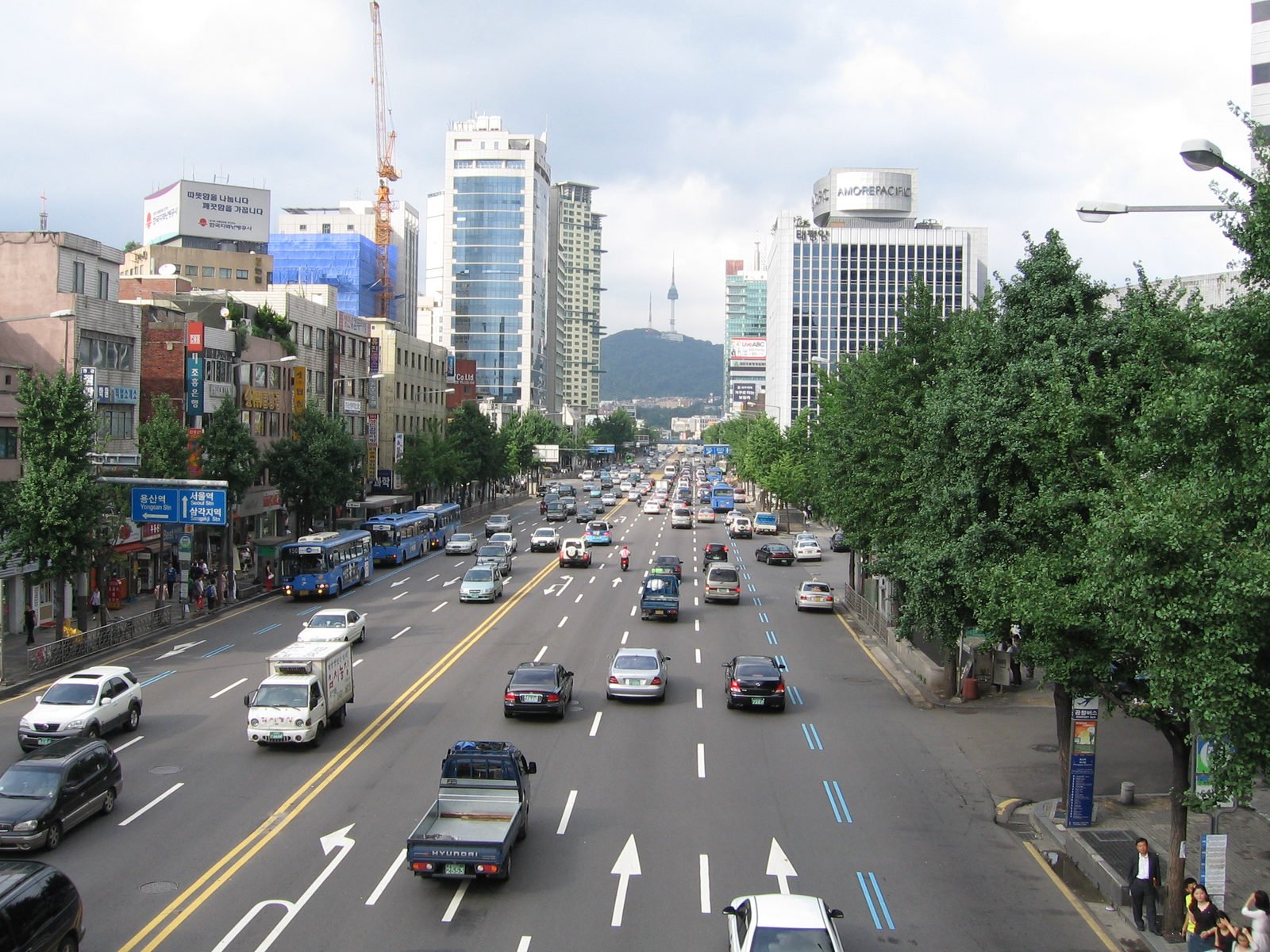
Where was this picture taken? Street details led to a Seoul candidate, 107 m from the source-published camera coordinates in this recorded test. Response: 6.6 s.
IGEL · CC BY-SA 3.0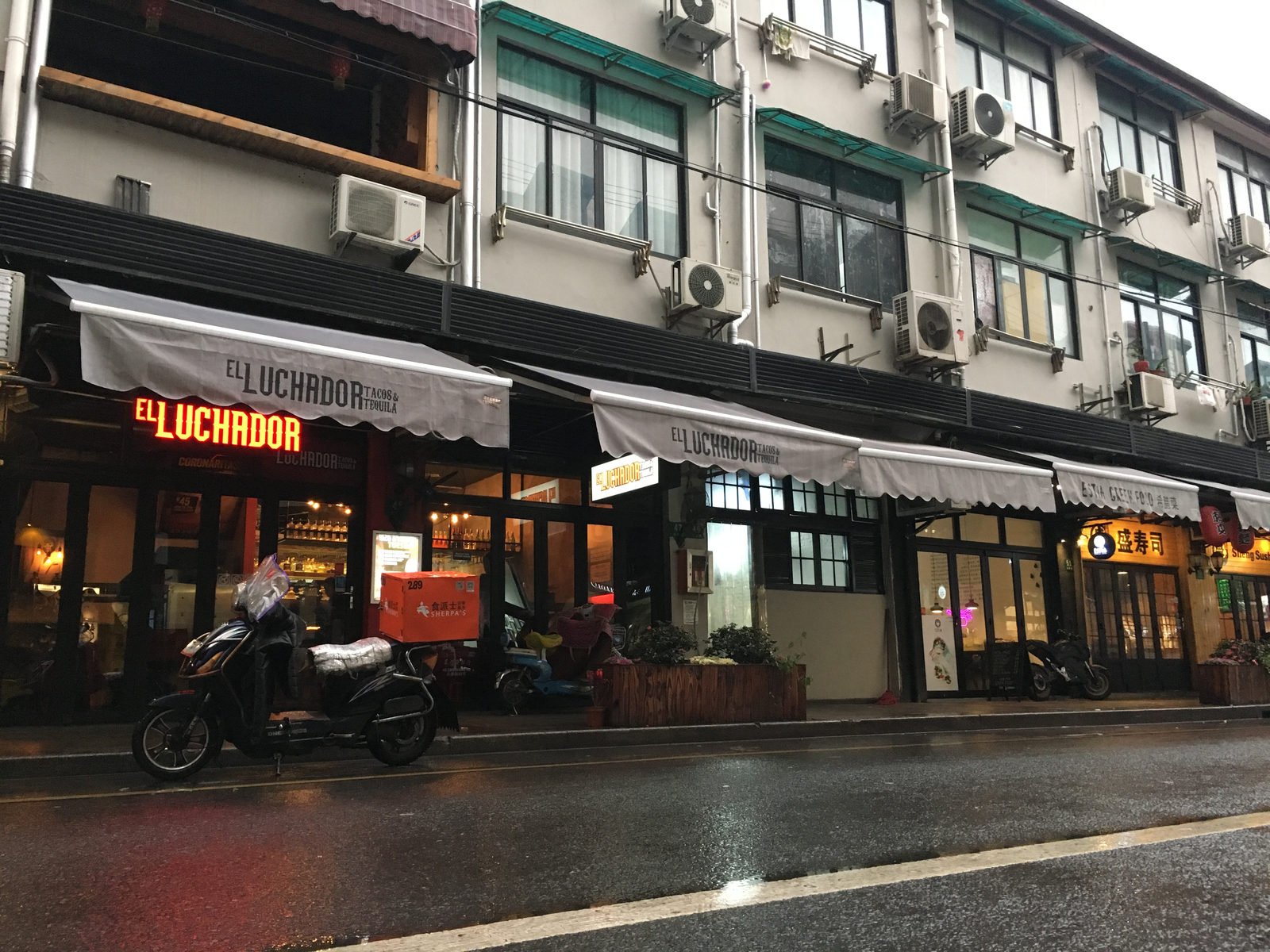
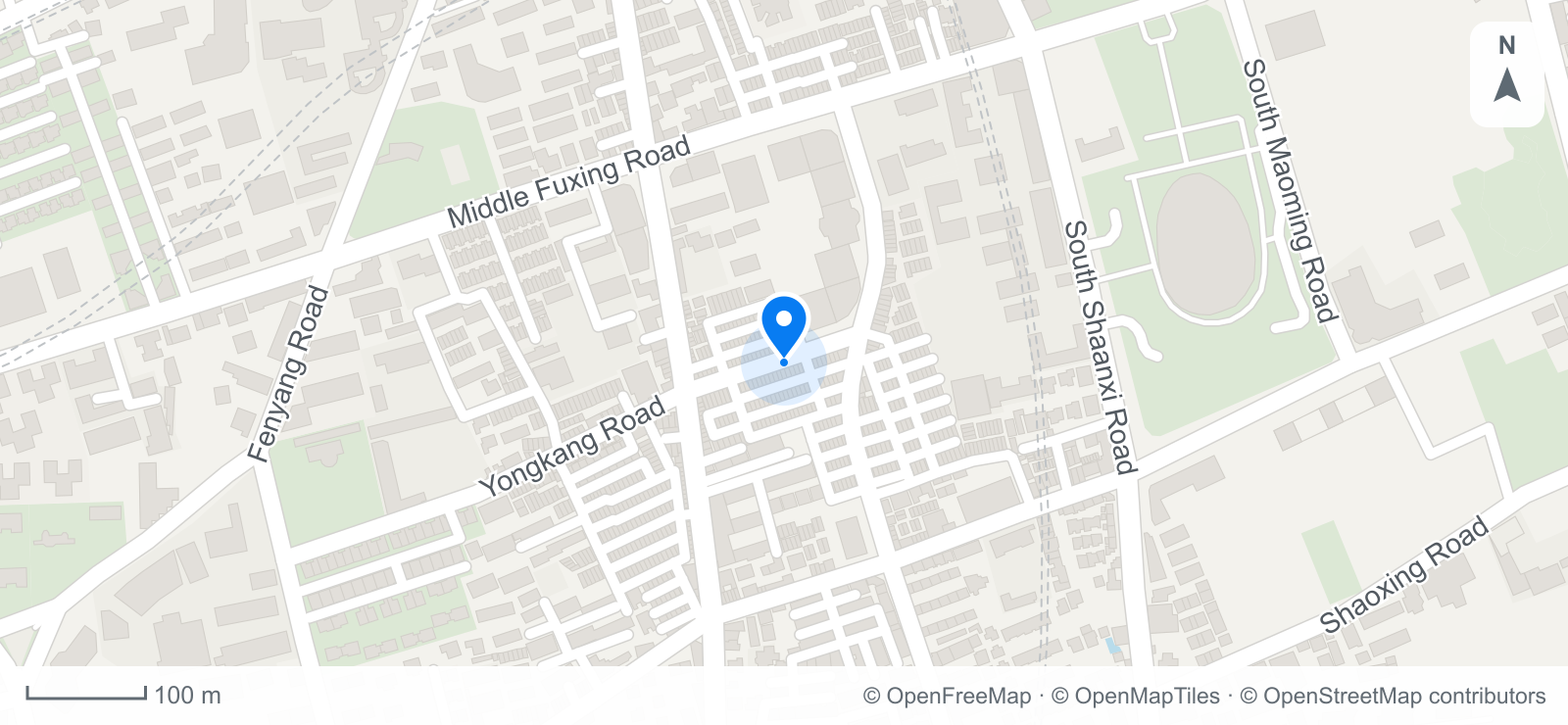
Where is this photo taken? Yongkang Road shopfronts led to a Shanghai candidate, 216 m from the source-published camera coordinates in this recorded test. Response: 10.3 s.
Szalai.laci · CC BY-SA 4.0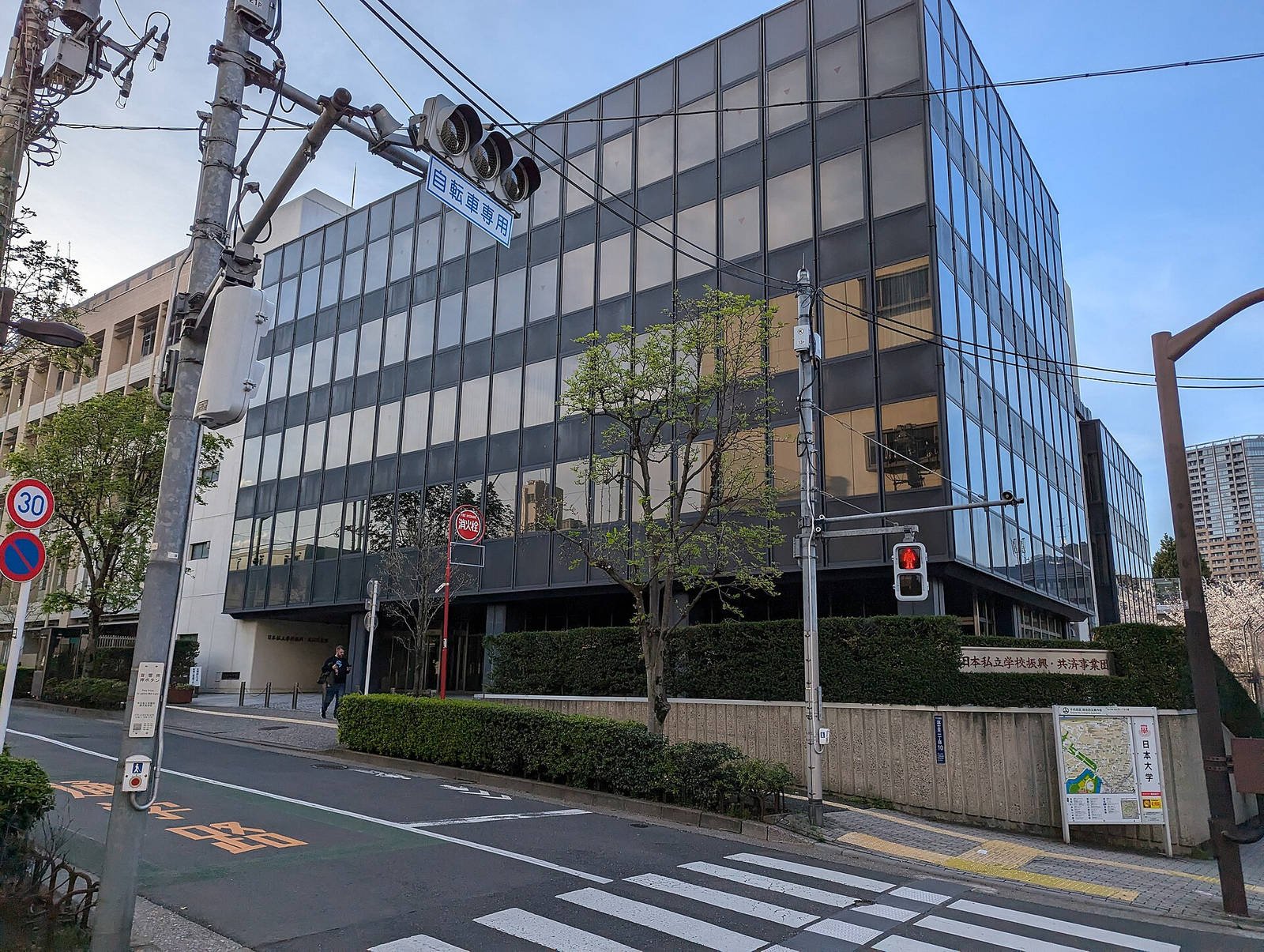
Where is this picture taken? An ordinary Tokyo street produced a first point 254 m from the source-published camera coordinates in this recorded test. Response: 7.7 s.
Syced · CC0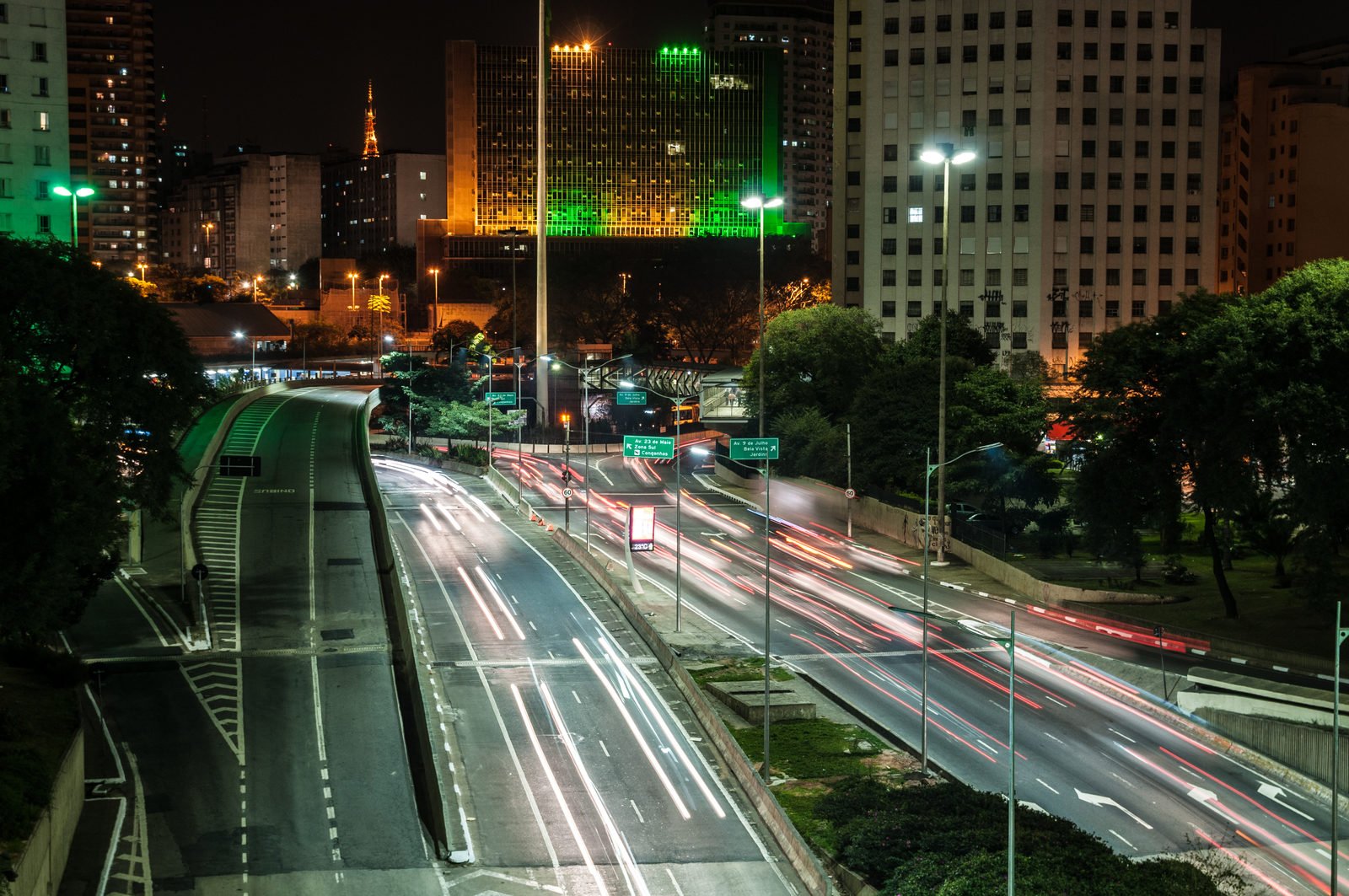
Where was this photo taken? To find photo location clues in low light, this recorded test used a São Paulo night scene. Its first point was 228 m from the source-published camera coordinates. Response: 9.9 s.
Wilfredor · CC0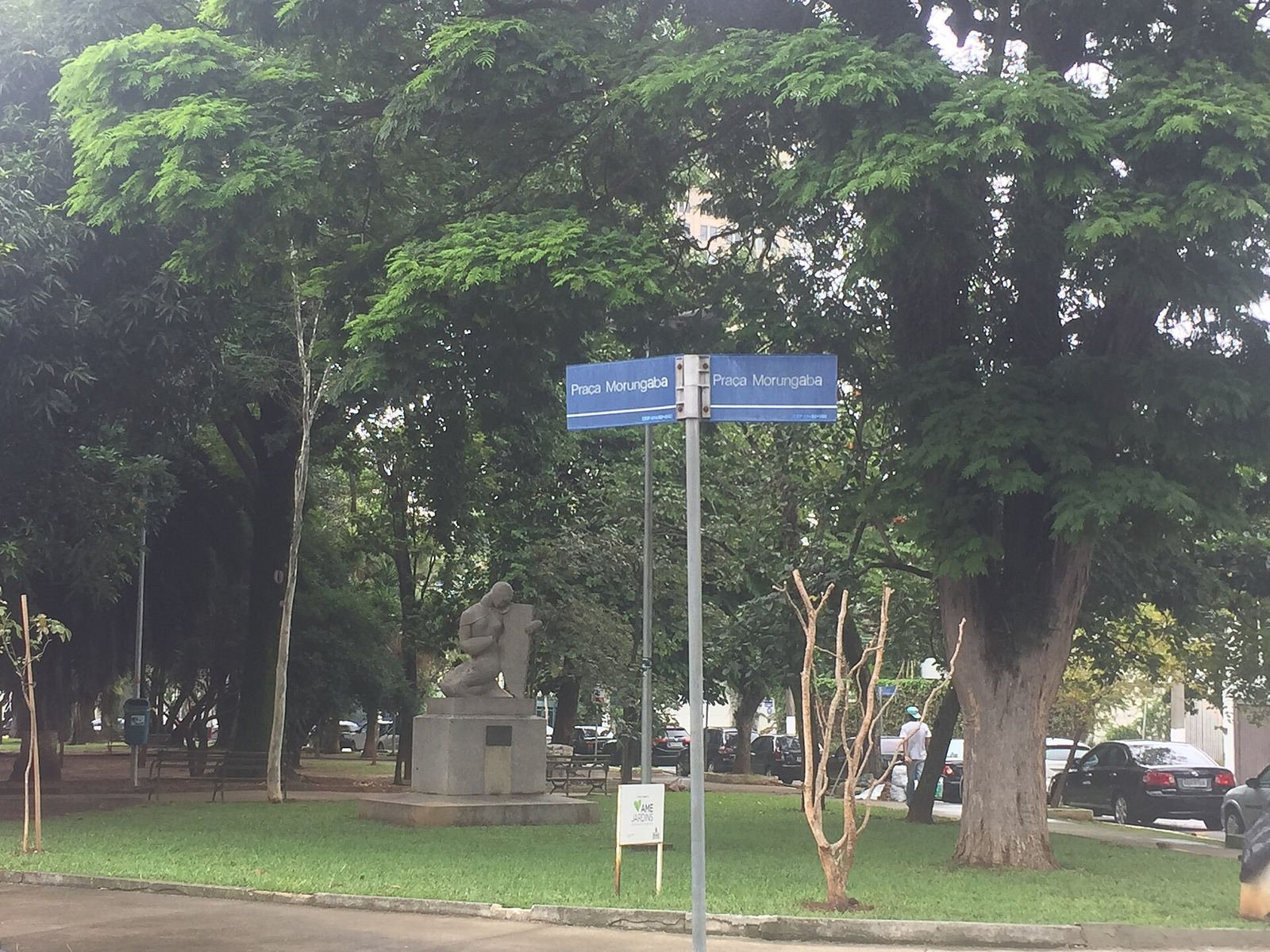
Where was this photo taken? Street signs led to a São Paulo candidate, 281 m from the source-published camera coordinates in this recorded test. Response: 22.1 s.
Bia Muller · CC BY-SA 4.0These are recorded searches, not live reruns. Where was this photo taken? A new image may have different clues, speed, and accuracy.
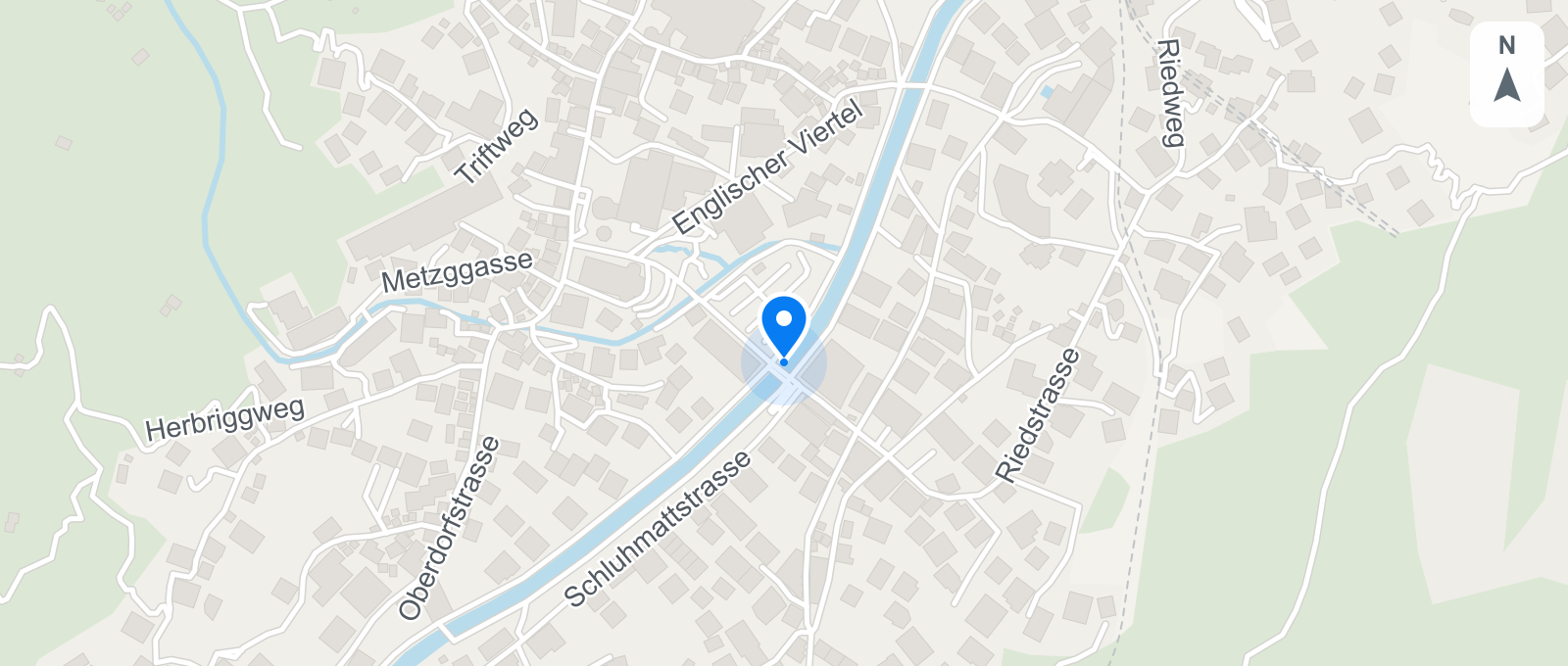
Where was this photo taken? See the photo and its published camera location side by side. Open the map to check the surrounding streets.
Photo example · Zermatt, Switzerland
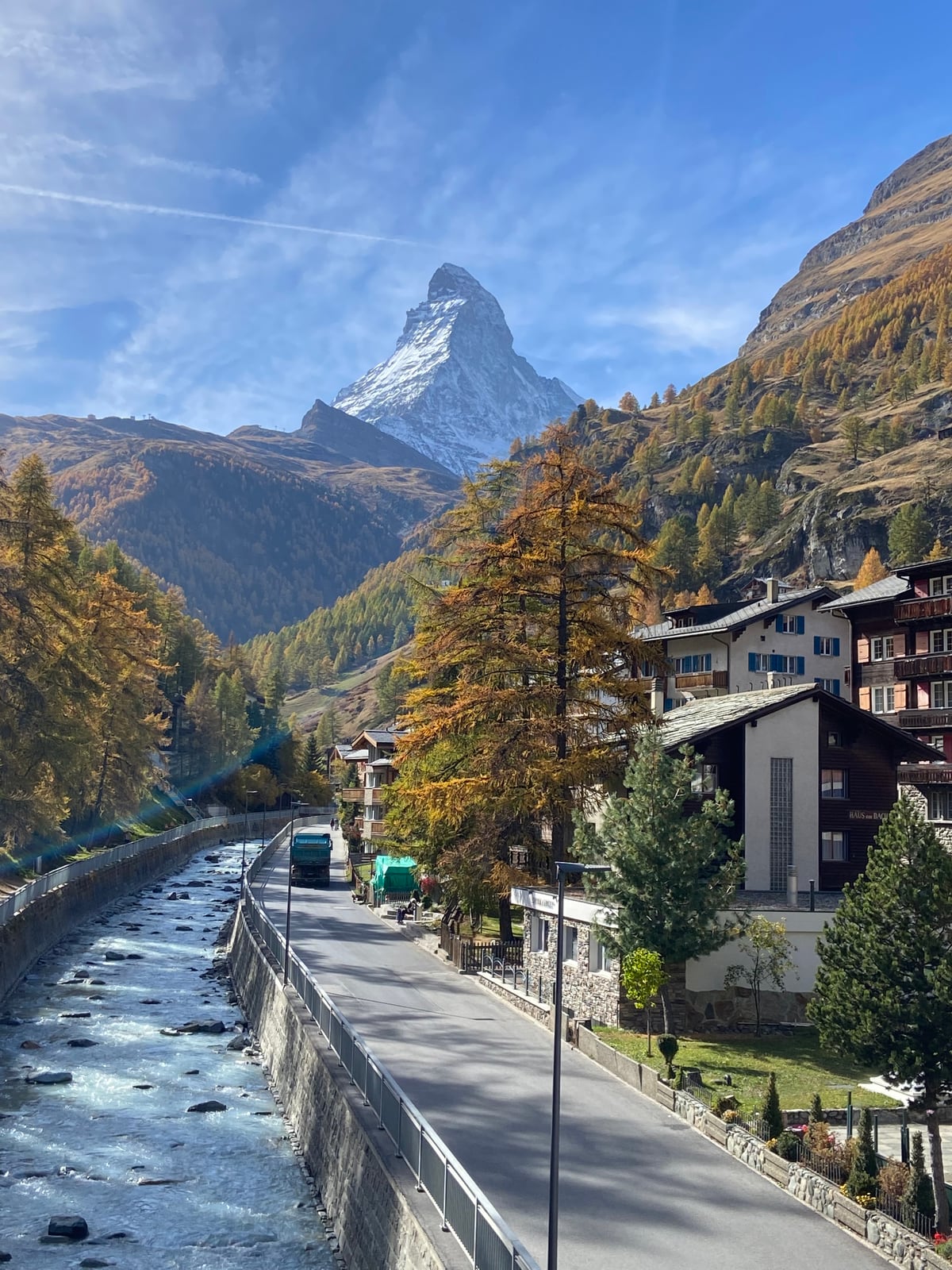
Matterhorn
46.018975, 7.748064
Where was this photo taken? The image itself may show language, signs, architecture, road markings, landscape, or a landmark. Photo geolocation uses those details when GPS metadata is missing. Where was this photo taken? A distinctive scene may support a street or landmark; a generic view may support only a city or region. Read the visual explanation alongside each candidate.
Where was this photo taken? Coordinates let you inspect a proposed point instead of accepting a place name alone. Switch between candidates, compare the neighborhood with the image, and open Google Maps for another view. Where was this photo taken? A map pin shows an estimate, so check buildings, streets, and coastlines before treating it as the camera position.
Where was this photo taken? Image geolocation proposes a place from visible clues; source search looks for matching images on public pages. A page may publish camera coordinates, which appear separately from the estimate. Where was this photo taken? Review the match and its source rather than treating it as automatic verification. History shows your 30 most recent searches; a Pro CSV export includes up to 50 recent completed results.
Where was this photo taken? Upload the image, inspect up to three possible places on a map, and check matching sources when available. Where was this photo taken? The tool offers evidence to compare, not a guaranteed answer.
Where was this photo taken? Begin with a JPG, PNG, or WEBP image up to 8 MB. Keep signs, landmarks, roads, and surroundings in frame. Drag a file into the tool, browse your device, or paste from the clipboard. Where was this photo taken? Clear visual details give the search more to compare, even without GPS.
Where was this photo taken? The search uses visible clues to propose up to three candidate places, with names, coordinates, and an explanation. Open a candidate on the map or in Google Maps, then compare roads and buildings with the image. Where was this photo taken? A city or region may be the most specific supported answer.
Where was this photo taken? Broad or empty AI results may trigger an included image-source check; for a landmark result, you can request it. The check looks for matching pages and any published camera coordinates, displayed separately from the AI estimate. Where was this photo taken? A source match adds context but may not establish the shooting point. One search uses one credit; the source check adds no charge.
Where was this photo taken? Find places for your next trip, organize a photo archive, check a location before publishing, or investigate an outdoor scene. Where was this photo taken? Start with the image and inspect the result on the map.
Where was this photo taken? Recover the places behind your travel photos: a café, a city street, or a landmark. Search the image, inspect the map, and save the location with your trip notes.
See how to use itWhere was this photo taken? Locate a scene from your archive and inspect the surrounding streets. Read an original JPEG’s GPS for free, or use visual search when location tags are missing.
See how to use itWhere was this photo taken? Check a location before adding it to a caption, guide, or video. Review the visual clues and matching public sources, then use Pro to export the findings as a PDF or CSV.
See how to use itWhere was this photo taken? Investigate a landscape, rural road, or viewpoint from a photo. Compare the candidate area with the terrain on the map, then check current access and trail information before planning a visit.
See how to use itPro reports and exports
Where was this photo taken? Keep the answer with the evidence. Pro turns a finished search into a PDF with location findings, visual clues, matching sources, and the photo and street map when available.
Included with Pro · $14.99/month
Share the image and its location findings in a readable report. AI estimates and source coordinates stay clearly labeled.
Export up to 50 recent finished searches with their status, location names, coordinates, reasons, map links, and source URLs. Where was this photo taken? Keep that answer attached to each image record.
Source-published camera location, with AI visual evidence.
31.212908, 121.453986
31.211438, 121.455248
CSV preview · source fields
Where was this photo taken? If you already have latitude and longitude, paste the pair into the free coordinates tool to preview a map and open Google Maps. The map does not identify the image. To find location from photo pixels instead, use the visual search above. Where was this photo taken? Compare the resulting candidate with your image.
Preview photo coordinates on a mapWhere was this photo taken? An original JPEG may already contain GPS coordinates. The free browser reader checks those tags without uploading the file or requiring an account. Where was this photo taken? If no GPS is stored, use the separate image search to examine visible clues.
Check JPEG GPS for freeWhere was this photo taken? These answers cover image clues, maps, source checks, credits, and saved results.
Where was this photo taken? Upload the image to the homepage tool. It reads signs, landmarks, buildings, and scenery, then shows possible places, coordinates, a map, and reasons for the estimate. Where was this photo taken? Compare the candidates with the photo; no image is guaranteed to yield an exact point.
Where was this photo taken? GPS and EXIF data are not required for the visual search. The tool uses visible details in travel photos, online images, and screenshots. Where was this photo taken? If you have an original JPEG, you can also check its stored GPS for free before using a search credit.
Where was this photo taken? A recognizable landmark or detailed street may support a specific place; a generic view may only support a city or region. Coordinates and a map help you inspect the candidate. Where was this photo taken? The pin is an estimate, so compare surrounding features before relying on it.
Where was this photo taken? The AI estimate appears first. Broad or empty results may then trigger an included source check; for a landmark estimate, you can request one. Timing varies by image and service. Where was this photo taken? The displayed elapsed time describes that search, not a promised speed for future images.
Where was this photo taken? Upload a JPG, PNG, or WEBP image up to 8 MB, including a screenshot. Streets, signs, landmarks, buildings, and scenery provide useful visual clues. Where was this photo taken? Keep the surroundings visible when possible; a tight crop can remove the details needed for comparison.
Where was this photo taken? The included source check may find matching public images and pages. It can run after a broad or empty result, or you can request it after a landmark estimate. A matching page may publish camera coordinates, shown separately. Where was this photo taken? A match or original source is not guaranteed, and published coordinates still need checking.
Where was this photo taken? One image search uses one credit and includes the AI estimate, map candidates, and any automatic or requested source check for that result. There is no separate source-check charge. Where was this photo taken? The free JPEG GPS reader is a different tool and uses no credit.
Where was this photo taken? Sign in to reopen your 30 most recent searches in History, including the photo, candidate places, map, and any completed source check. A Pro CSV export covers up to 50 recent completed results. Where was this photo taken? Reopening a saved result does not start another search.
Where was this photo taken? Start with an original JPEG when available; the free metadata reader may reveal existing GPS tags. If none are present, search visible signs, landmarks, and surroundings. Where was this photo taken? Compare the resulting candidate with the map. No method identifies every image.
Where was this photo taken? Existing GPS, a recognizable landmark, visual clues, or a matching public source may each provide a lead. The image search proposes candidates and coordinates; the separate JPEG reader checks stored tags. Where was this photo taken? The best supported answer may be a region rather than an exact point.
Where was this photo taken? ChatGPT can suggest visual clues, but it may misidentify a place. This tool focuses on candidate locations, coordinates, a map, and optional source matches. Where was this photo taken? Check those outputs against the scene instead of relying on a single place name.
Where was this photo taken? Google Lens may find similar images and related pages, while Google Maps lets you inspect a known place or coordinate. Here, the initial visual search proposes locations and an optional source check may find a matching page. Where was this photo taken? Compare the map with the scene; Google Maps does not identify an arbitrary uploaded image for you.
Where was this photo taken? Upload a JPG, PNG, or WEBP image to see possible places, coordinates, a map, and visual reasons. Check image sources when useful. Where was this photo taken? Compare the result with your photo before deciding.