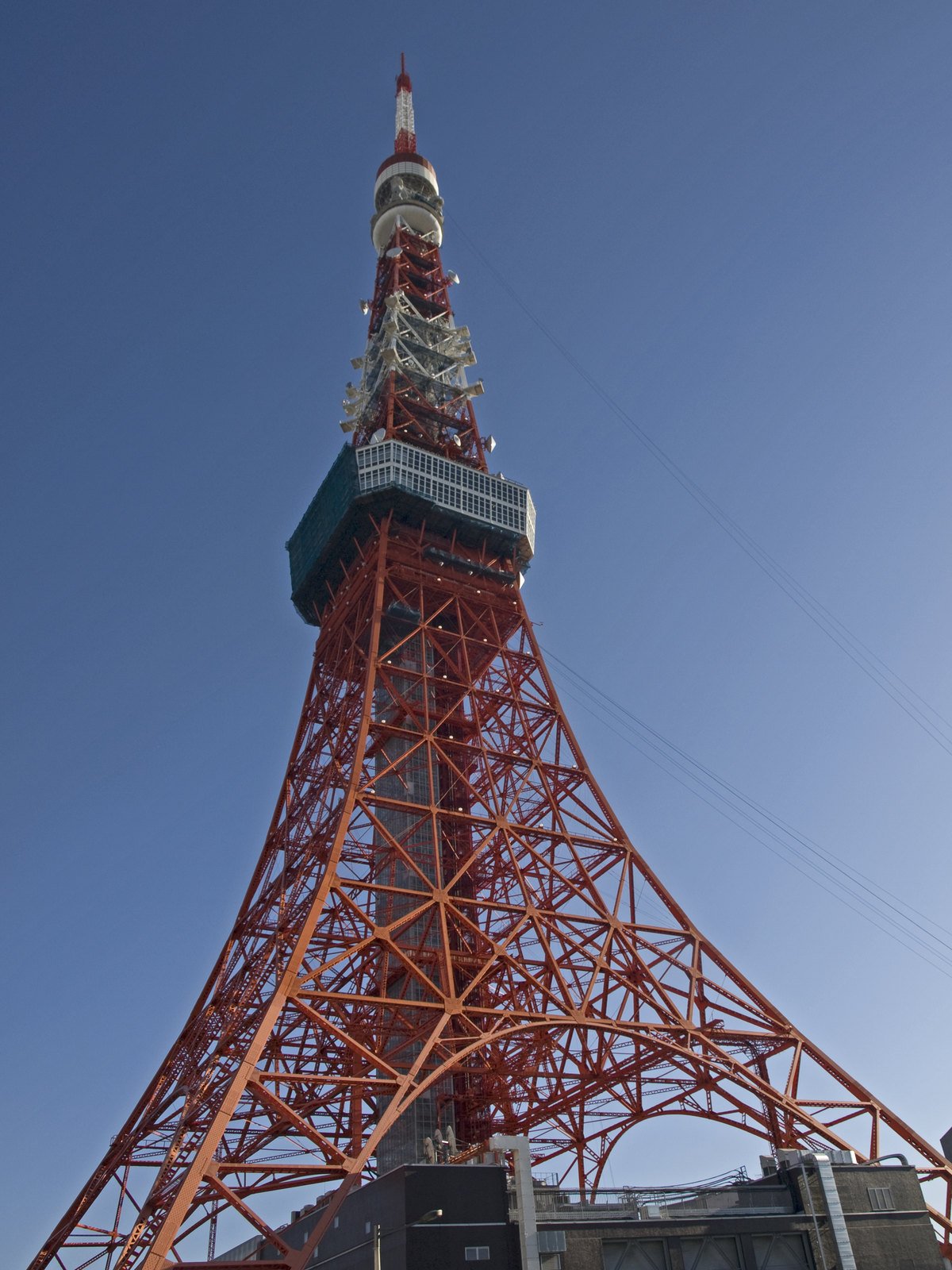
The stop missing from your itinerary
A folder called ‘summer trip’ can hold three train stations, two lakes, and a café terrace without recording which afternoon belongs to which place. You recognize the red awning and the steep road, but the town name is gone. Where was this photo taken? The visible scene gives you somewhere more useful to begin than a file name.
Choose one photo with as much of the surroundings as possible. A street sign at the edge, a distinctive roofline, a hillside, or the shape of a waterfront can matter more than the subject in the center. The photo location finder reads those details and suggests possible places; you can then compare them with the journey you actually made.
Read the place clues before the pin
Where was this photo taken? The result brings together a candidate place, coordinates, and the visual clues behind the estimate. A sign may point toward a language; architecture and terrain may narrow the region. One clue alone rarely settles the question.
Open a candidate on the map and look at nearby streets or shoreline. If the photo shows a bridge but the proposed point has no crossing nearby, keep investigating. The map helps test a lead against your memory; it does not certify where you stood.
Where was this photo taken? Start with the JPEG.
A picture sent through a chat, saved from an album, or exported from a phone may no longer carry location metadata. That does not end the search. The main image search examines the scene itself, so you can investigate a JPG, PNG, WEBP, or screenshot even when no GPS tags are present.
If you still have the original JPEG, the separate free GPS reader can check whether its file already stores coordinates. It reads existing tags; it cannot recover a location that was never saved or was removed. A GPS point also deserves a map check, especially when the camera stood away from the landmark that fills the frame.
Check a matching source when it helps
Where was this photo taken? A broad first estimate may need more context. The included image-source check may find matching public images or pages and any camera coordinates those pages publish. Read that evidence alongside the photo and the first estimate.
Do not assume the first matching page is the original or that its caption proves the camera position. Images get reposted, cropped, and labeled loosely. Compare the visible buildings and landscape with the source, then inspect any published coordinate on the map.
Keep the useful lead with your trip notes
Add a plausible area to your own itinerary with a note about why it fits: station lettering, a mountain profile, or a bend in the river. You may reach a city or region rather than a precise doorway.
Sign in to revisit your 30 most recent searches, including candidate places and any completed source check. Keep your final travel notes in your trip record if you need them for longer.
Choose the searches you need
A one-time $4.99 Search Pack gives you 20 searches valid for 365 days. Pro is $14.99 per month for 100 searches in each billing period, plus PDF reports and CSV exports. Every plan uses the same location search; Pro does not change the estimate.
View plansA few things worth knowing
Where was this photo taken if I only have a screenshot?
A screenshot can still contain useful visual clues. Keep signs, buildings, roads, and scenery in the frame, then upload it for possible locations and map coordinates. The answer may be broad if the crop hides the surroundings. A screenshot generally will not give the separate JPEG GPS reader the original camera tags.
Can JPEG GPS answer “where was this picture taken”?
Yes. If the file is an original JPEG, the free GPS reader checks for coordinates already stored in its metadata. It uses no search credit. If those tags are absent, the visual search can still inspect the image. Compare either kind of point with the scene before adding a location to your notes.
Can “where was this photo taken” searches find my exact travel stop?
A clear landmark may support a specific candidate, while a common street or landscape may only support a city or region. Look at the clues, map, and any source match together. Your route and other photos from the day can help you decide whether the suggestion fits.