
Pick the first free method that fits your photo
| What you have | First move | Useful result | Main limit |
|---|---|---|---|
| An original camera JPEG | Check its saved location information | Coordinates or a map pin, if GPS was recorded | GPS may be absent or edited |
| An image found online | Search the image with Google Lens | Matching pages and similar images | A matching page may name the wrong place |
| A screenshot or stripped file | Read signs, architecture, terrain, and shadows | Searchable place clues | Each clue needs independent checking |
| Several pictures from one trip | Compare their order, timestamps, and shared landmarks | A narrower route or area | Dates and file order may have changed |
This free photo location search works best as a sequence: GPS narrows the area, image search proposes a candidate, and map details test it. Then follow the branch that fits your file.
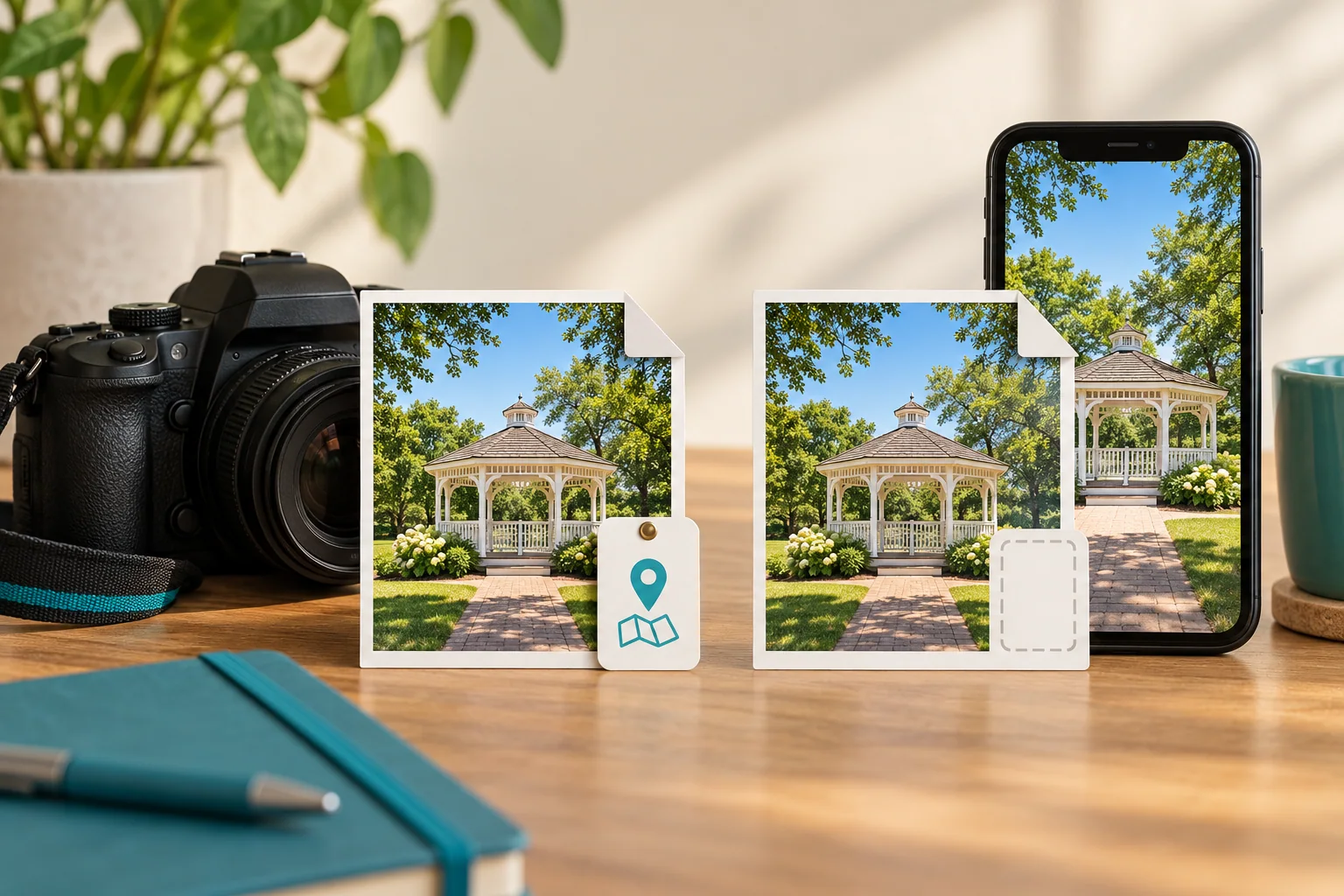
Illustration: start with the camera original; a screenshot can preserve the scene while omitting the original file's location tags.
1. Check the original file for saved GPS
On an iPhone, open the picture in Photos and swipe up or tap Info. Apple's Photos guide explains where available location information appears and how to open it in Maps. Check any pin against the scene; location data can be edited.
For a JPEG on a computer, the free photo GPS metadata checker reads saved GPS information in your browser. It does not require login or credits, and this tool processes the JPEG locally rather than uploading it. If it shows coordinates, copy them into a map and compare the road, shoreline, building, or trail in the photo. No GPS means this copy lacks readable coordinates; the place may still be identifiable.
The camera original gives you the best chance to find a photo's location for free. Try it before a social media download, screenshot, or edited export. Keep the original while you investigate.
2. Search for the same image or landmark
When no GPS is available, use Google Lens image search. On a computer, Google describes uploading a file through Search by image; results may include similar images and websites containing the same or a similar image. Search the whole photo first, then crop to a distinctive sign, storefront, monument, mountain outline, or building facade if the first results are broad.
A match is a lead. Check the caption, original publisher, and whether independent pages agree. An image can be reused in an article about another city; a similar beach can be elsewhere. Compare a credible match with a map before settling on an answer.
Google Lens is a free photo location finder option for researching recognizable landmarks and publicly posted images. It may fail on a private picture or generic interior.
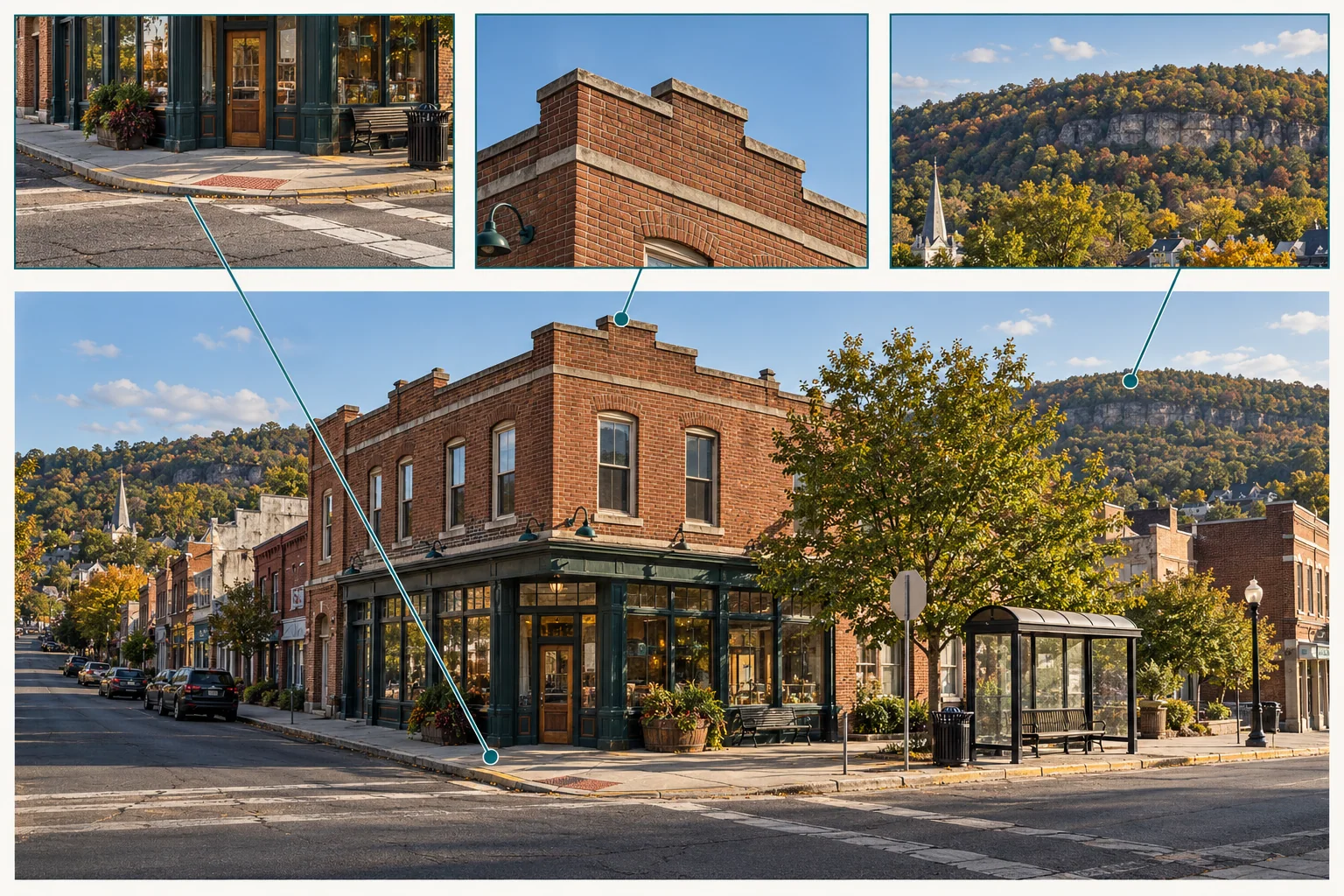
Illustration: combine independent visible details instead of accepting one lookalike building.
3. Turn visible details into a short location search
You can still find a photo's location for free when the image has no GPS and no exact online match. Write down what is actually visible before guessing a country. Transcribe distinctive words and numbers from signs, storefronts, transit vehicles, trail markers, or license plates. Notice the language and script, road markings, traffic direction, building materials, vegetation, and terrain. Do not assume a single clue is unique to one place.
Combine two or three clues into a web or map search. A search for a business name plus a street sign is more useful than a search for “city street.” For a natural scene, pair the shape of a ridgeline or coast with a trail name, park sign, or nearby settlement. Try alternate spellings if a sign is partly hidden. If a business has moved, check whether old listings match your picture's date.
Note each candidate and its clue. Reject places whose street layout, horizon, or view direction contradicts the image.
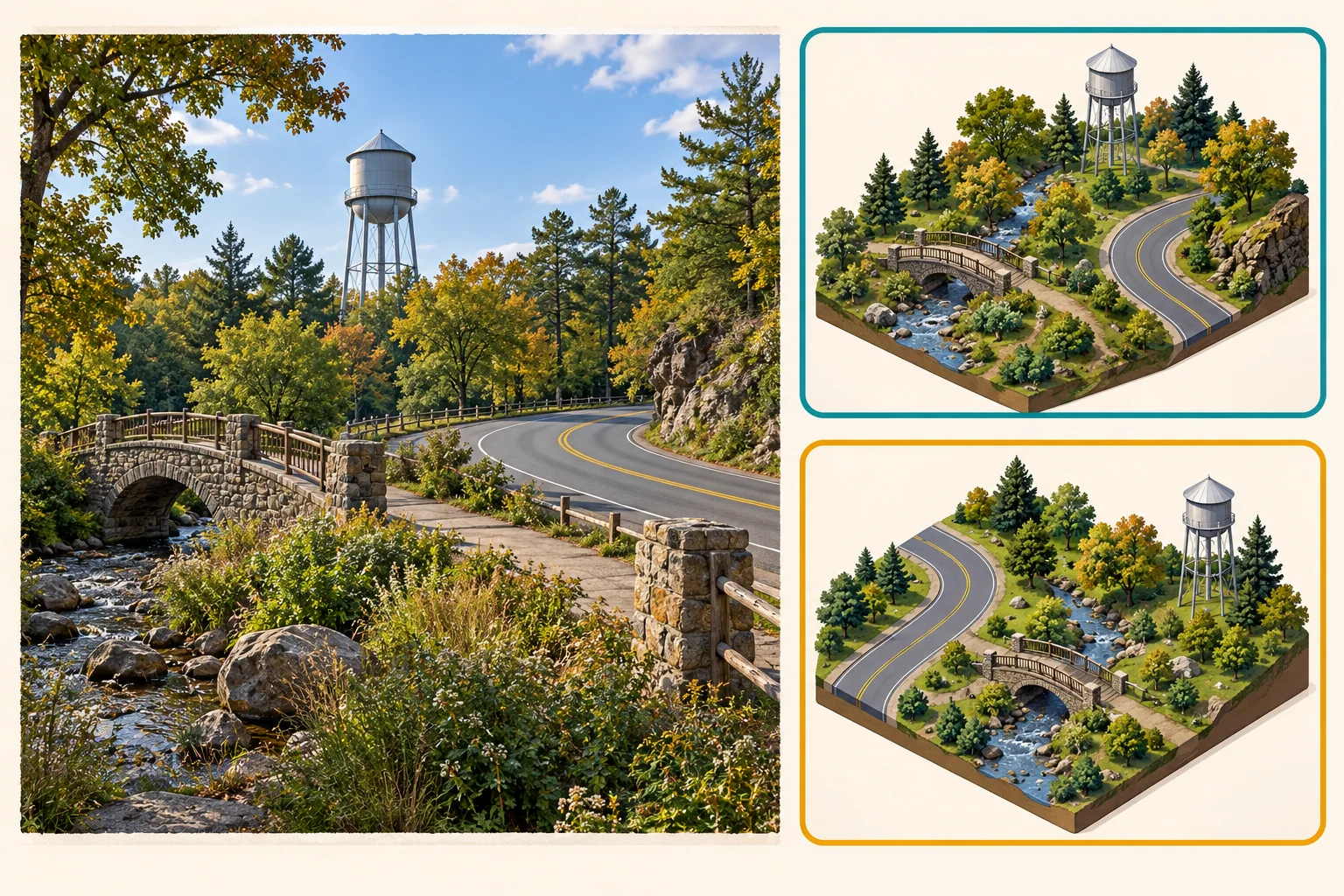
Illustration: test a candidate against street geometry and surrounding features before accepting a precise-looking pin.
4. Verify a candidate on a map
To find a photo's location for free, open a map and inspect streets, satellite view, or public street imagery where available. Match several fixed features: the bend of a road, a roofline, a bridge position, mountain contours, or the arrangement of windows. If the photo looks west across a square, the candidate should offer a west-facing view of the same features.
A free photo location finder may suggest a place from one lookalike building. Distinguish exact GPS plus a matching scene, multiple matching landmarks, and broad resemblance. The last is a hypothesis, not a confirmed pin.
If you want to find where a photo was taken for free, stop once the evidence answers your real question. A trip memory may only require the town or trail. An archival caption may need an address and a source you can cite. Let the evidence set the precision.
What if the photo has no GPS and no search match?
Try nearby photos from the same album. Their timestamps, sequence, and recurring scenery can narrow a route, even when this one image has no location data. Ask the person who supplied the picture whether they have the original file or remember a nearby stop. For a screenshot, look for the page, message, or video it came from; the surrounding text may identify the event or venue.
A free photo location search may leave several plausible places. Keep confirmed details separate from guesses in your notes.
When an AI search might be worth a credit
If free checks fail, WhereIsPhoto's AI location search can analyze visible clues without GPS and return up to three candidate places, a map, and a visual explanation. Login is required, and each search costs one credit. Check candidates against independent evidence.
Try the free GPS checker for an original JPEG or Lens for a published image first. If you decide to continue with AI, review the search options on WhereIsPhoto before using a credit.
A short checklist before you call it solved
To find a photo's location for free, keep the file you checked, the page or map that supports your answer, and one visible feature that matches. If the GPS, source caption, and scene disagree, investigate the disagreement rather than averaging them into a confident answer. Share a broad area when that is all the evidence supports. A defensible answer is more useful than a precise-looking pin you cannot explain.