
Start with a theme you can recognize on foot
Choose one subject that can recur in different forms: reflections, handmade signs, contrasting building textures, neighborhood color, or the edges where a park meets a street. Write a one-sentence intention such as “show how morning light changes the same block.” Use that sentence to filter subjects and detours.
For photo walk ideas, inspect three to five pictures you already saved. Note a viewpoint, pattern, shadow, or sense of scale you like. Do not copy the shots. If one reference shows a doorway, your theme could be thresholds rather than that exact doorway. Keep the theme workable at all three stops.
Before you plan a photo walk, decide what a finished set should contain. A useful beginner target is six to nine images: an opening view, several variations, a quiet detail, and a closing frame. That is a selection goal, not an exposure limit.
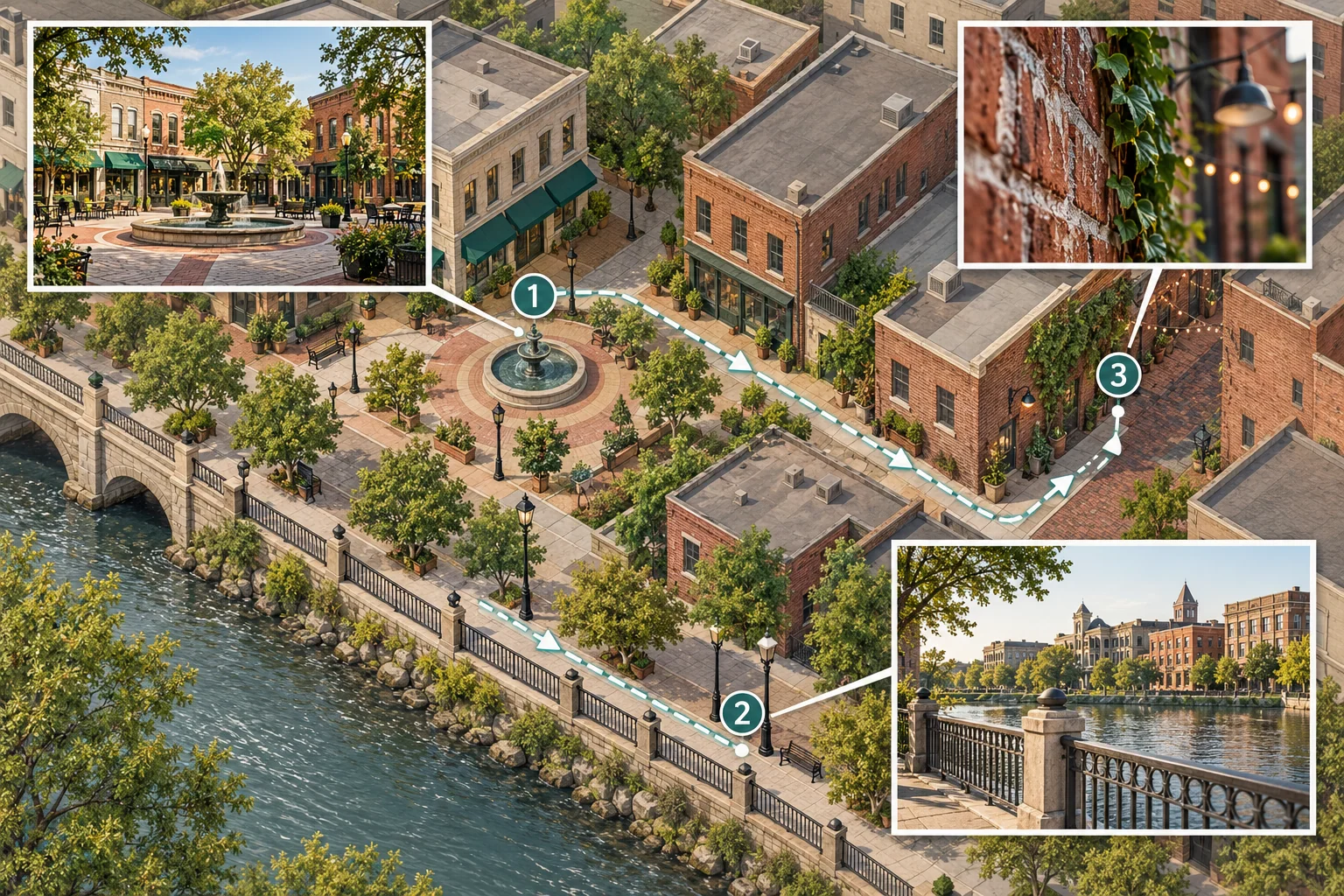
Illustration: build a short route around three complementary scenes rather than a long list of disconnected photo spots.
Turn references into a three-stop route
To plan your first photo walk, choose three close stops: an opening setting, a change of scale or angle, and a contrasting ending. A square, side street, and sheltered passage are examples; choose actual places using your map and current access information. Avoid a route that forces repeated busy crossings or rushed travel.
Draw your photo walk route as a loop or a simple out-and-back. Mark the start, finish, connections, and a restroom or transit option. Estimate walking separately from shooting. Choose places where you can pause without blocking others. Check the venue or land manager's current access information and any applicable photography requirements before leaving; do not assume an older blog post reflects today's conditions.
To plan your first photo walk, look at the likely light during your chosen two-hour window. Check the forecast and whether your theme suits angled light, open shade, or overcast skies. Nikon's planning advice for photographers recommends researching locations before arrival when light matters and making notes on site for later identification. Apply those habits locally; the article does not describe your chosen streets.
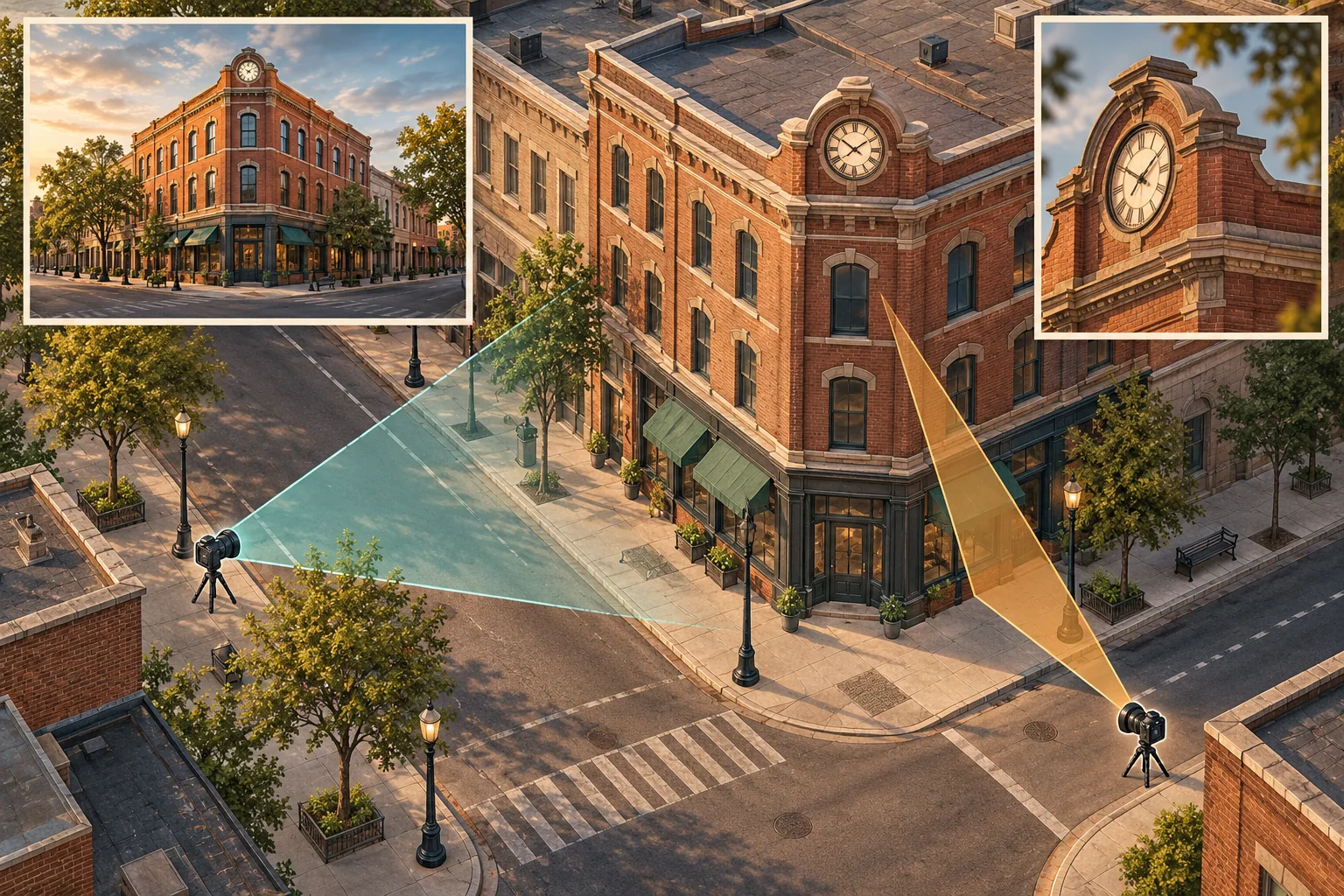
Illustration: distinguish the landmark from the camera position, then find a suitable public viewpoint for your own frame.
If a reference photo's location is unknown
A reference can suggest a place type without dictating your route. Check its caption, signs, and saved location data. If clues are insufficient, WhereIsPhoto can analyze visible clues without GPS and return up to three candidate locations with a map and visual explanation. It requires login and one credit per search. Candidates are leads, not confirmed pins. Compare map evidence and current access. If it remains unidentified, choose a reachable local scene with similar visual qualities.
A two-hour template you can adjust
This adjustable budget is not a tested itinerary. Shift minutes for your pace, daylight, weather, and distances; preserve observation time and a buffer.
| Elapsed time | Suggested action | What to bring back |
|---|---|---|
| 0–10 minutes | Arrive, check light and access, scan the first stop | A note on what changed from the map |
| 10–35 minutes | Shoot stop 1, establishing the setting | One strong wide frame and alternatives |
| 35–45 minutes | Walk to stop 2; notice transitions | A connecting frame if one appears |
| 45–70 minutes | Shoot stop 2 from two viewpoints | A medium frame and one visual variation |
| 70–80 minutes | Walk to stop 3 or use the backup | A revised plan if conditions changed |
| 80–105 minutes | Shoot stop 3 and revisit the theme | A detail and an ending frame |
| 105–120 minutes | Review gaps, make one last frame, exit | Notes for your edit at home |
A photo walk planning template is useful only if it can bend. Give a promising corner extra time; skip an optional variation if delayed. Aim for a coherent set.
Give yourself three assignments at every stop
To plan your first photo walk, give each stop three assignments. Start with a wide frame that shows the setting and spatial relationships. Then make a medium frame around your main subject, with enough context to say where it belongs. Finish with a detail: a texture, hand, reflection, letterform, or repeated shape that carries the theme. Respect people’s space; choose another subject if a frame would be intrusive.
These three sizes turn vague photo walk ideas into something you can practice. Change height or position, check frame edges, and wait for a cleaner gesture or light. If a scene does not fit your theme, enjoy seeing it and keep moving.
As you plan your first photo walk, write one prompt for each stop on your phone or a small card. For example: “wide: show the whole crossing; medium: isolate the repeating windows; detail: find one reflection.” Keep prompts flexible enough for closures or shifting light.
Check conditions, then keep a backup route
To plan your first photo walk, check access, weather, transit, and light the day before. Bring a charged phone or camera, enough storage, comfortable shoes, and water suited to the outing. With friends, share the meeting point, finish time, and stop durations.
Prepare one substitute for each fragile stop. If a plaza is closed, a nearby open street can still provide wide frames. If direct sun disappears, look for reflections, color, or soft light under an awning. If rain makes your planned route uncomfortable, shorten the loop or postpone it. Keep the theme and a safe way home.
A photo walk route is a working sketch. Once you arrive, a blocked entrance or unexpected crowd outranks your saved map. Note changes for your later edit.
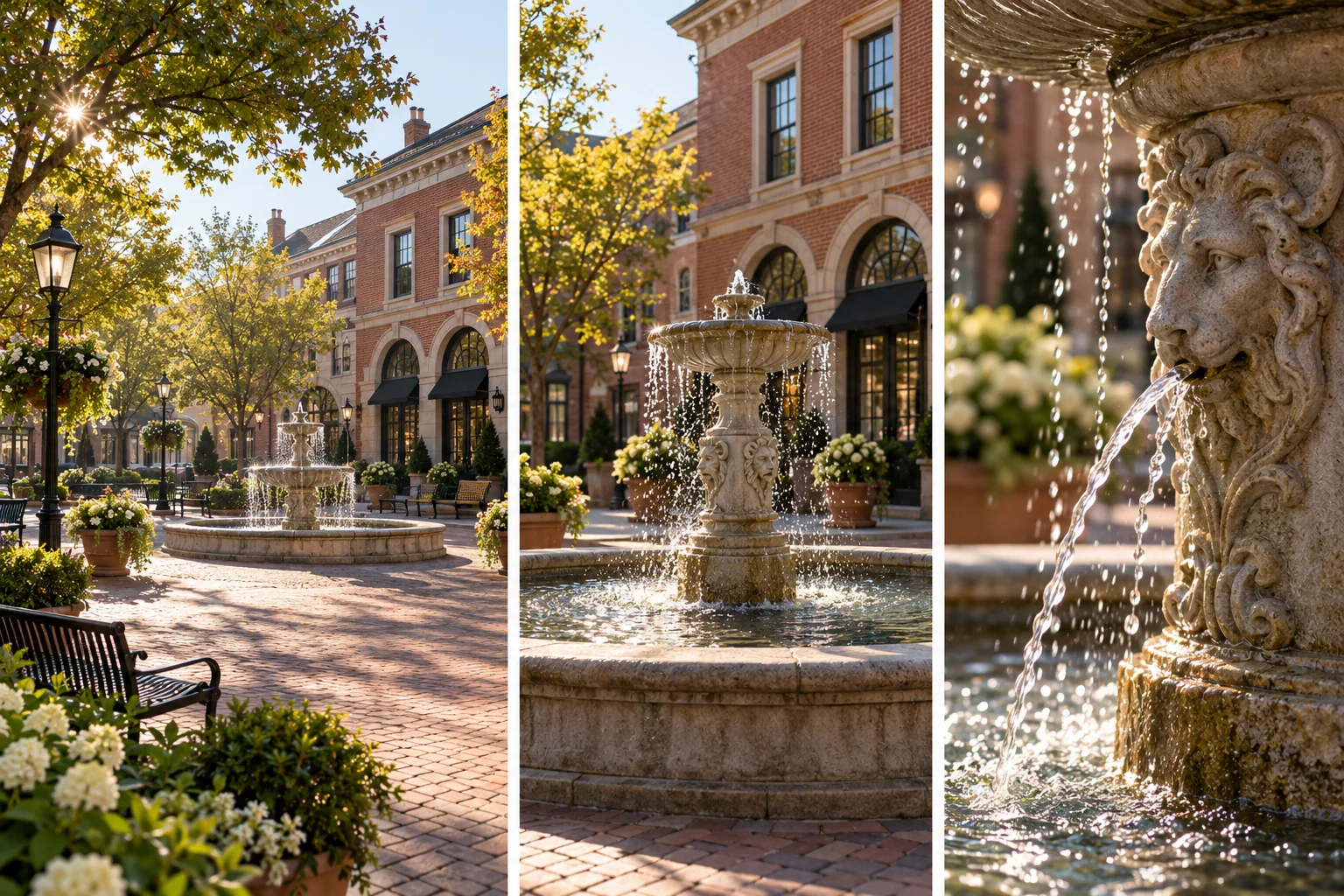
Illustration: edit the walk into a small visual story with a setting, a subject, and a detail.
Edit a small story when you get home
Copy your files before deleting anything. Remove technical failures, compare near-duplicates, then select images that express the theme. Select one opening image that establishes place, a middle that changes distance or rhythm, and a final image that feels like a close. Six distinct images can work better than thirty near-duplicates.
Use your on-site notes to caption places accurately. Nikon's advice to record signs or spoken notes while photographing is useful here: it connects later captions to what you actually saw. Do not label an unverified location as exact. Save off-theme frames for another project.
After you plan your first photo walk and complete it, review the route as well as the photographs. Where did you have enough time? Which light or prompt surprised you? Use those answers to plan a photo walk next weekend with a narrower theme or a different time of day.