
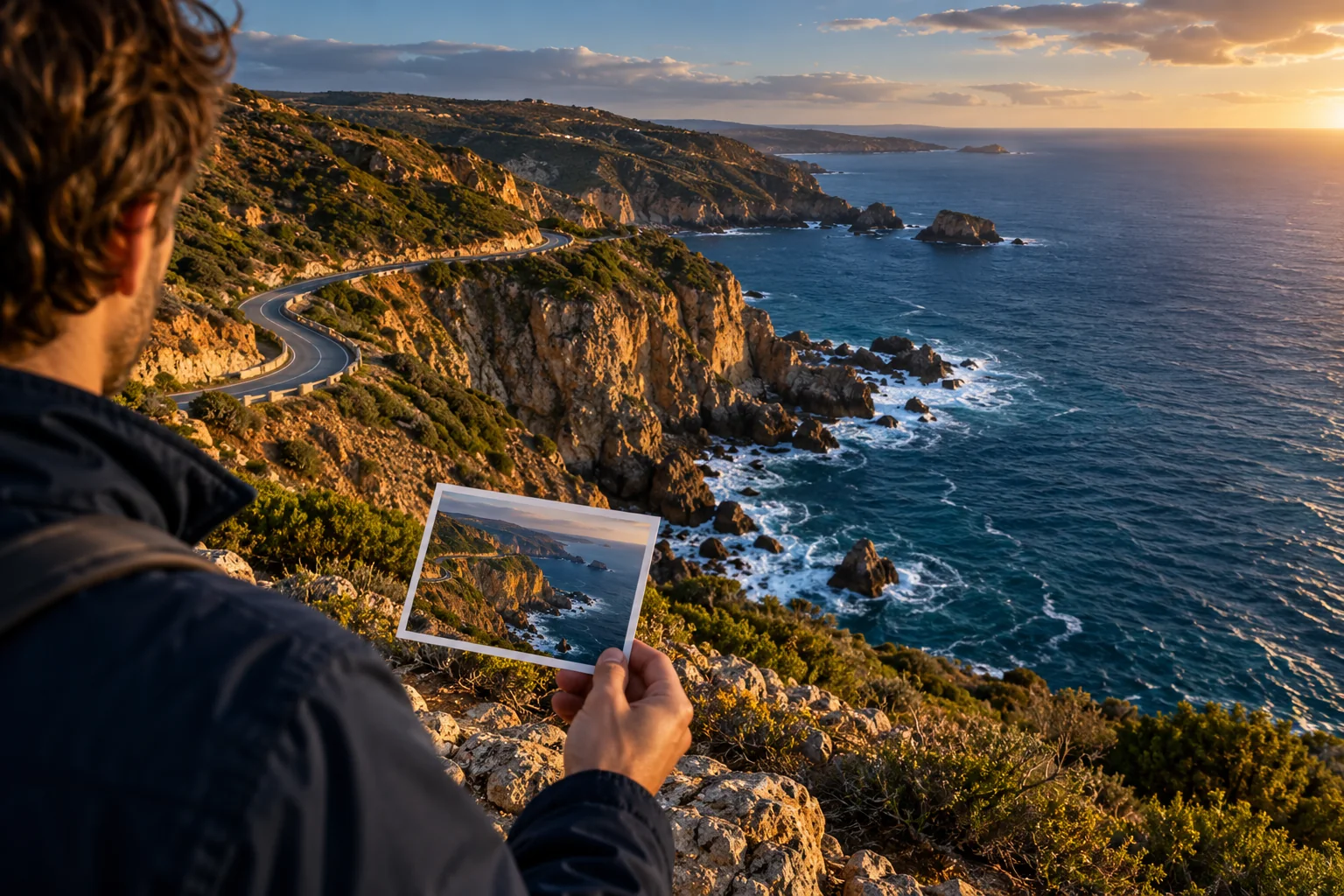
Editorial illustration: investigate the visible scene when a photo has no saved GPS coordinates. This is not a product result or a documented user test.
Find a photo’s location without EXIF: start with what survived
You can sometimes identify a place without EXIF, but the picture must contain useful clues or have a traceable source. Missing GPS does not make visual research impossible. It does mean that a location you infer needs a different kind of evidence from coordinates read directly from a file.
Begin with three checks: can you obtain an earlier copy, find the same image on a named source page, or recognize something distinctive in the frame? A famous mountain may identify a region. A readable station sign may narrow the search much further. An anonymous wall may provide no reliable location at all.
Keep a useful stopping point in mind. Naming a city, identifying a landmark, and finding the exact camera position are separate outcomes. You can complete the first two while the third remains unresolved.
Check whether the original still exists
Before studying every window, ask where this copy came from. Was it downloaded from a website, forwarded in a conversation, exported from an editor, or captured as a screenshot? Those details help you decide whether searching for an earlier file is worthwhile.
If the photographer can share the original, check that file first. The free photo GPS metadata tool reads GPS information already present in a JPEG in your browser. It does not discover new coordinates from the scene, and a JPEG without GPS will not gain a location by being checked repeatedly.
EXIF is a metadata format that can contain camera information and GPS fields. A file can have ordinary camera metadata while lacking coordinates. Conversely, your current copy may contain very little metadata at all. The practical question is whether usable location information is present, rather than whether every EXIF field is missing.
Keep the original and working copies separate. Save a crop for searching, but retain the full frame for verification. A sign at the edge or a distant mountain can become useful after you have an initial candidate.
Look for the image's source before guessing its setting
A public image may already appear on a travel page, photo archive, or photographer's portfolio. Reverse image search can lead you to those sources. Google’s image search instructions describe using Lens to find similar images and websites containing an image. Our Google photo location guide explains how to use image search and compare a proposed place on a map.
Read the page behind a match. A page title naming Switzerland is weaker evidence than a caption identifying the pictured village. Check whether the text describes your image, another photograph nearby, or the entire article's destination.
A useful source should answer specific questions:
- Is this the same image or only a similar view?
- Does the caption identify the subject or the photographer's position?
- Who supplied the photograph, and is there an original source link?
- Do visible buildings, terrain, and street geometry agree with the label?
For anyone searching “find location from photo without EXIF,” a source match is often the most direct route to a name. However, the name still needs to fit what is actually visible. A copied caption can travel with an incorrectly labeled image.
Use visible clues to build a shortlist
Work from distinctive features toward general impressions. Readable place names, unusual structures, mountain profiles, and street layouts are more useful than a broad feeling that a scene looks European or tropical.
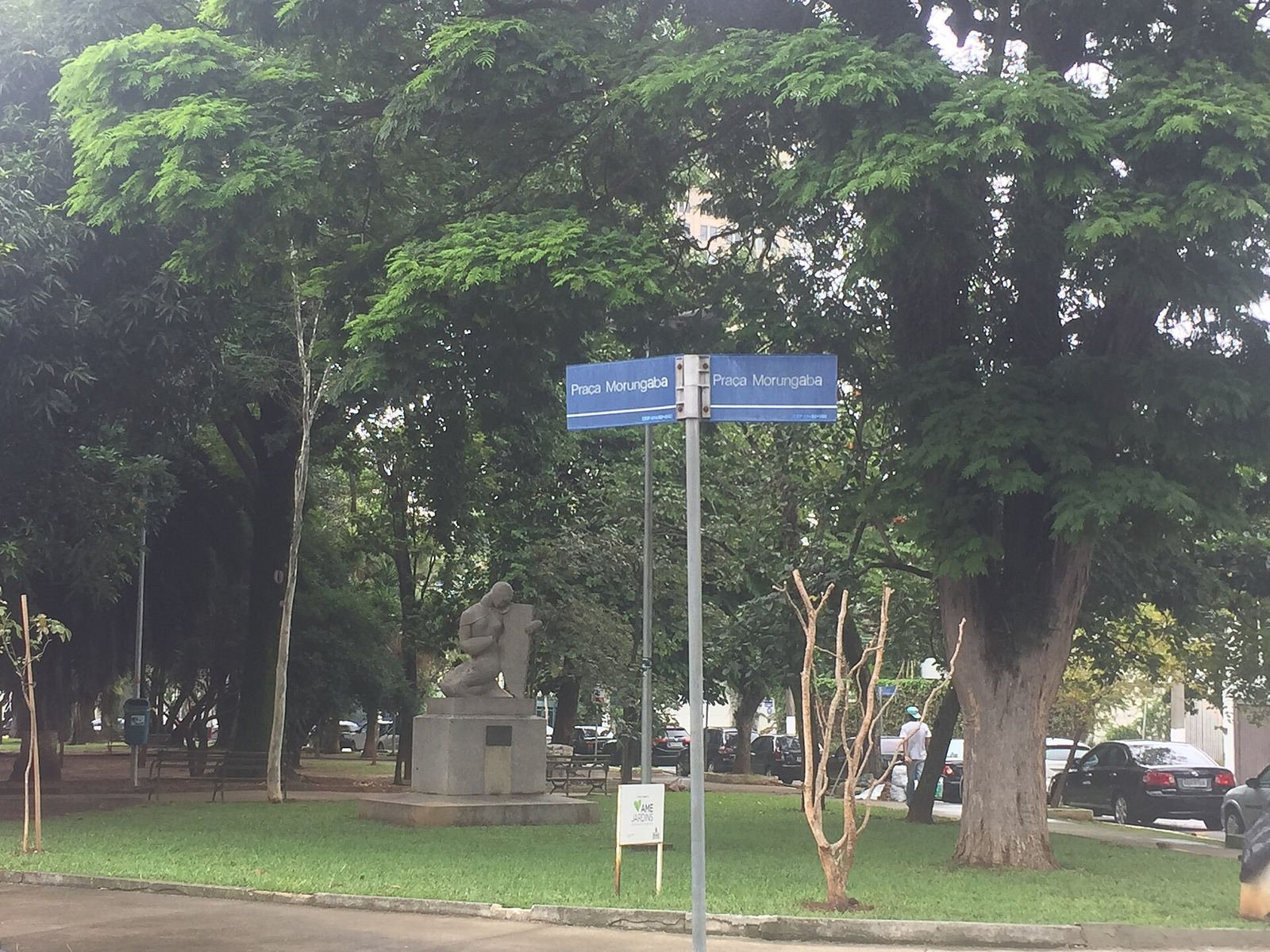
A readable place name gives you a search term; the statue and square help you check a match. Photo: Bia Muller,

Wikimedia Commons
, CC BY-SA 4.0 .
The photograph below has a documented source: Wikimedia Commons identifies it as a view of the Matterhorn from Zermatt. It is included to explain the difference between recognizing a subject and locating a camera. It is not an upload that this guide ran through WhereIsPhoto.
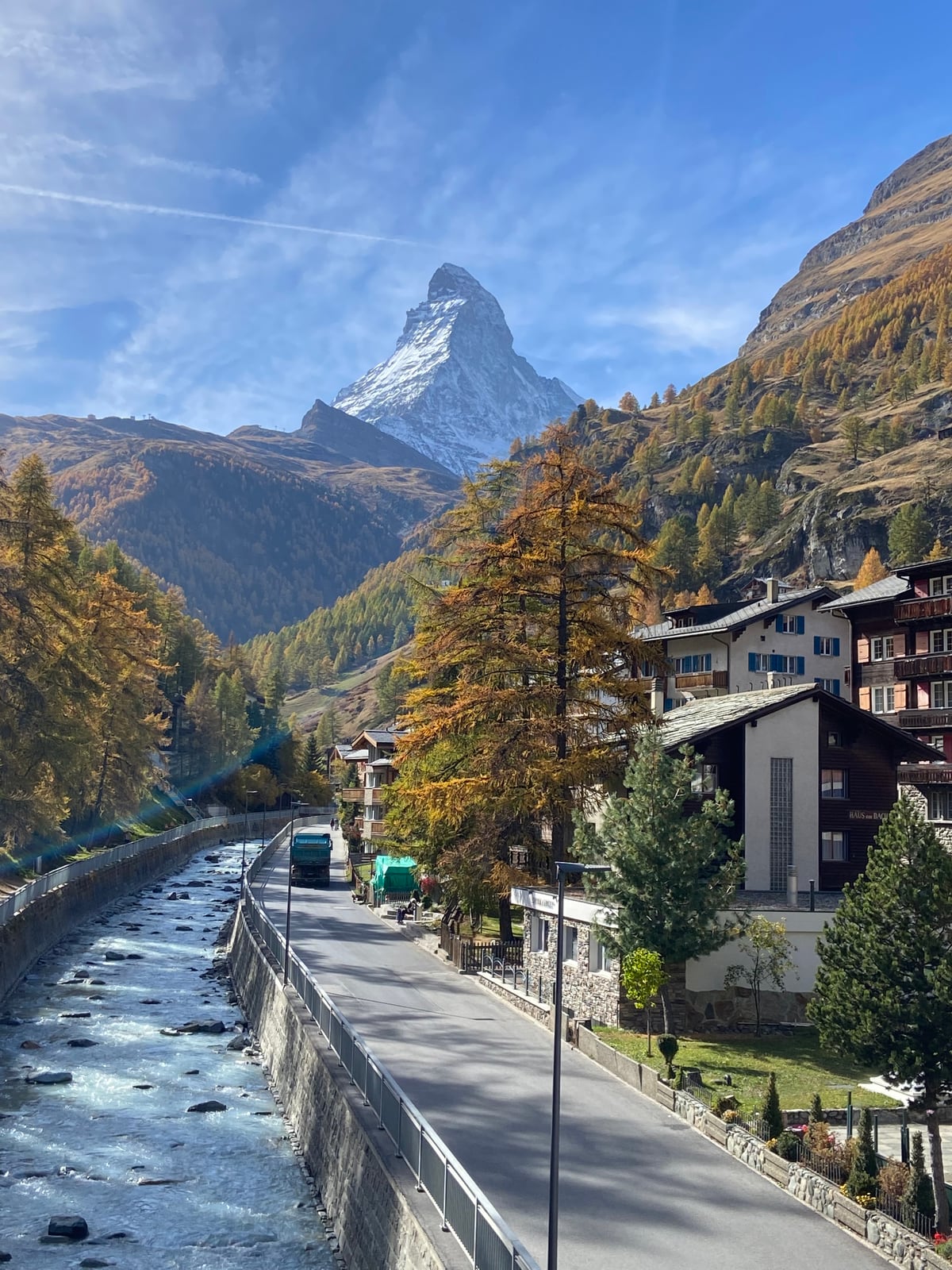
Source photograph: Neeleyj11,

ZermattMatterhorn
, Wikimedia Commons, CC BY-SA 4.0. The visible mountain helps identify the setting; the source does not establish an exact camera coordinate for this guide.
Recognizing the Matterhorn gives you a strong subject candidate. It does not tell you which street, balcony, or path produced that particular view. Compare the foreground as carefully as the mountain: roof shapes, building spacing, road direction, and the amount of mountain visible between structures.
For an unfamiliar picture, write down observations before naming places. “A narrow street with a mountain behind it” is an observation. “This must be Zermatt's main street” is a hypothesis. Keeping those separate makes it easier to reject a tempting mismatch.
Test a candidate on a map
Once you have a plausible town or landmark, use a map to test the scene's arrangement. Look at street orientation, open spaces, elevation, and nearby buildings. Where street imagery is available, compare the view from more than one position.
The map below provides geographic context for Zermatt, the town in the documented photograph above. It is not an exact viewpoint match and should not be read as a confirmed shooting location.
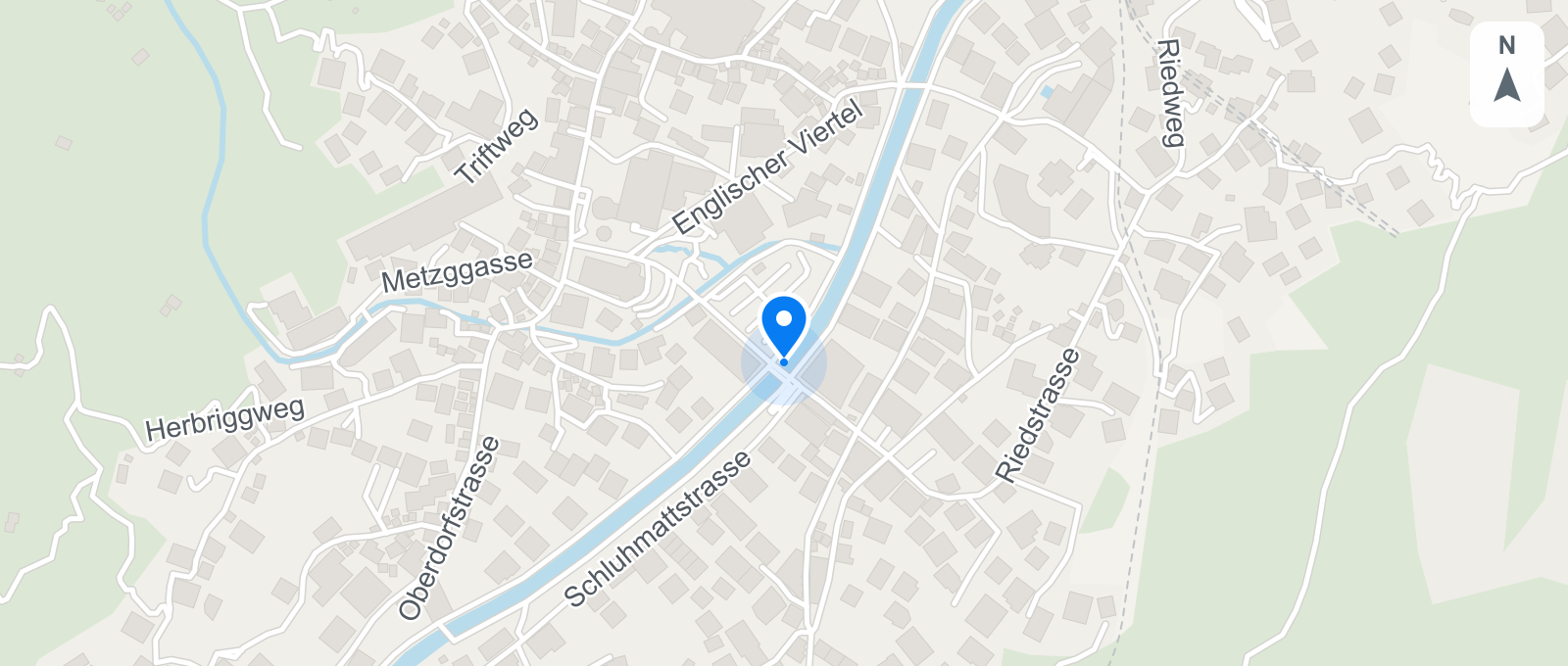
Zermatt map for geographic context, not a verified camera position. Map data ©
OpenStreetMap contributors
; map design © OpenMapTiles.
Ask whether a candidate explains the whole frame. A location with the right landmark but the wrong foreground remains uncertain. If one building fits and three other fixed features do not, keep searching instead of treating the first match as confirmation.
Record the level you can support: country, town, landmark, street, or viewpoint. Avoid adding a precise pin merely because the map lets you place one. A map coordinate can look authoritative even when it is only a convenient estimate.
Can AI identify a place without EXIF?
WhereIsPhoto offers visual location analysis for JPG, PNG, and WEBP images. It requires an account and available credits. This is a different workflow from the free JPEG GPS checker: the analysis uses the scene to suggest a location rather than reading saved coordinates.
Choose a clear image with relevant surroundings. If you also try a crop, preserve the wider version so you can check any suggestion against the full scene. Cropping a readable storefront may help; cropping away the street corner may remove essential context.
Treat a proposed place as a candidate to verify. Check its name on a map and compare fixed features. Several similar streets, a changed storefront, or an obscured landmark can leave uncertainty. Neither a detailed explanation nor a precise-looking pin proves the camera stood there.
If your file is on your phone while you work on a computer, WhereIsPhoto also offers a QR phone upload flow. Uploading transfers an image into the workflow; it does not restore missing metadata or guarantee that the scene can be identified.
Keep a short evidence record
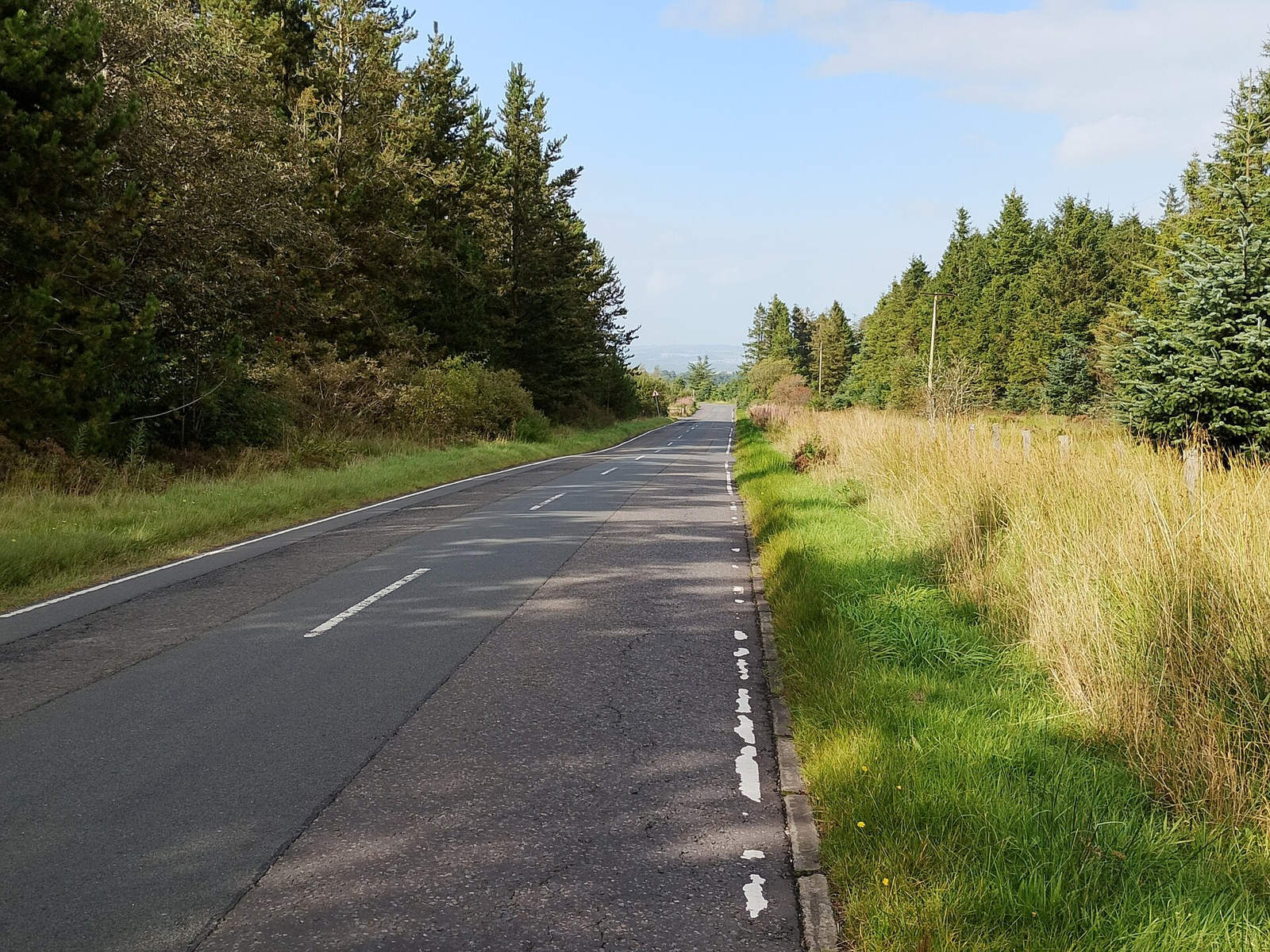
The source identifies West Lothian; roads and woodland alone can resemble many other places. Photo: Jim Smillie,

Wikimedia Commons
, CC BY-SA 2.0 .
A useful result should remain understandable after you close the tabs. Save the source page, candidate place, matching features, and unresolved differences. For example, your note might say that a published caption names the town, the mountain profile agrees, and the street viewpoint remains unconfirmed. That is a template for your research notes, not a reported test result.
If you later find the camera original, compare its saved location with your visual conclusion. An original can add evidence; it does not justify rewriting earlier uncertainty as if it had never existed.
Questions about finding a place without metadata
Can I find a photo’s location without EXIF and get an exact address?
Sometimes, but an exact address requires distinctive evidence. A readable address or a uniquely matched building may support one. A general landscape may support only a region. State the narrower conclusion only when the image and independent sources support it.
Can a tool restore GPS that was removed?
A GPS reader cannot recover coordinates absent from the supplied file. Finding an earlier copy may recover an existing location record. Visual analysis can suggest a place, which is a separate inference and needs checking.
Does converting a screenshot to JPEG bring back EXIF?
No. Changing the format does not recreate the original camera's metadata. A screenshot can still contain visual clues, but any metadata created during conversion does not establish where the photographed scene was captured.
What if every search gives a different place?
Keep the result unresolved. Compare the candidates against the strongest visible details, ask for an earlier copy, or wait for additional context. A clear limit is more useful than choosing a place because a tool expects an answer.
Start with the best copy you have
Check existing GPS first, then follow the source and visible clues. If the original has no usable location and you want a visual lead, open WhereIsPhoto, choose a supported image, and review the account and credit requirements before starting the analysis.