
Editorial illustration: finding an image's source can uncover a caption, credit, or place name worth investigating.
Look for a source that explains the photograph
A picture saved from a travel page can lose the sentence that made it useful: the name of the valley, the street beneath the bridge, or the overlook where the photographer stood. Reverse image search gives you a way to look for that missing context. You submit the image, inspect possible matches, and open a page that may explain it.
Use reverse image search to find location information in the source material, then check whether that information actually describes your picture. The most useful result is often a page with a clear caption and image credit. A screen full of similar scenery can be much less informative.
Keep three questions separate throughout the search: Is this the same photograph? What place does the source identify? Where could the camera have been? Answering the first question does not automatically answer the other two.
A practical way to use reverse image search to find location clues
Begin with the least edited copy you have. Keep the full frame even if you also make a crop. Then follow this sequence:
- Upload the image to an image search service.
- Look for an exact or near-exact copy before exploring general visual matches.
- Open the page behind the image and read the surrounding text.
- Follow its photo credit or source link when one is supplied.
- Compare the named place with the scene and a map.
- Record the strongest supported location and what remains uncertain.
This process suits a public image whose caption has gone missing. If the picture is your own unpublished camera file, there may be no public source to recover. In that case, saved GPS or visual clues may be a better starting point.
Start with a full image, then try one useful crop
For Google, the official image search instructions explain how to choose Search by image, upload a file, and select your picture. Google also supports searching with an image URL. That URL option belongs to Google's search flow; WhereIsPhoto's location finder uses a file upload.
Use the whole scene first. A distinctive crop can be a useful second attempt when a border, caption overlay, or foreground object overwhelms the photograph. Keep enough detail to tell an exact copy from a merely similar view.
Google describes results that can include similar images and websites containing the image or a related one. It does not promise that every picture will lead to an original source. Our Google photo location guide covers the broader workflow, including map checks and the difference between Lens and saved photo information.
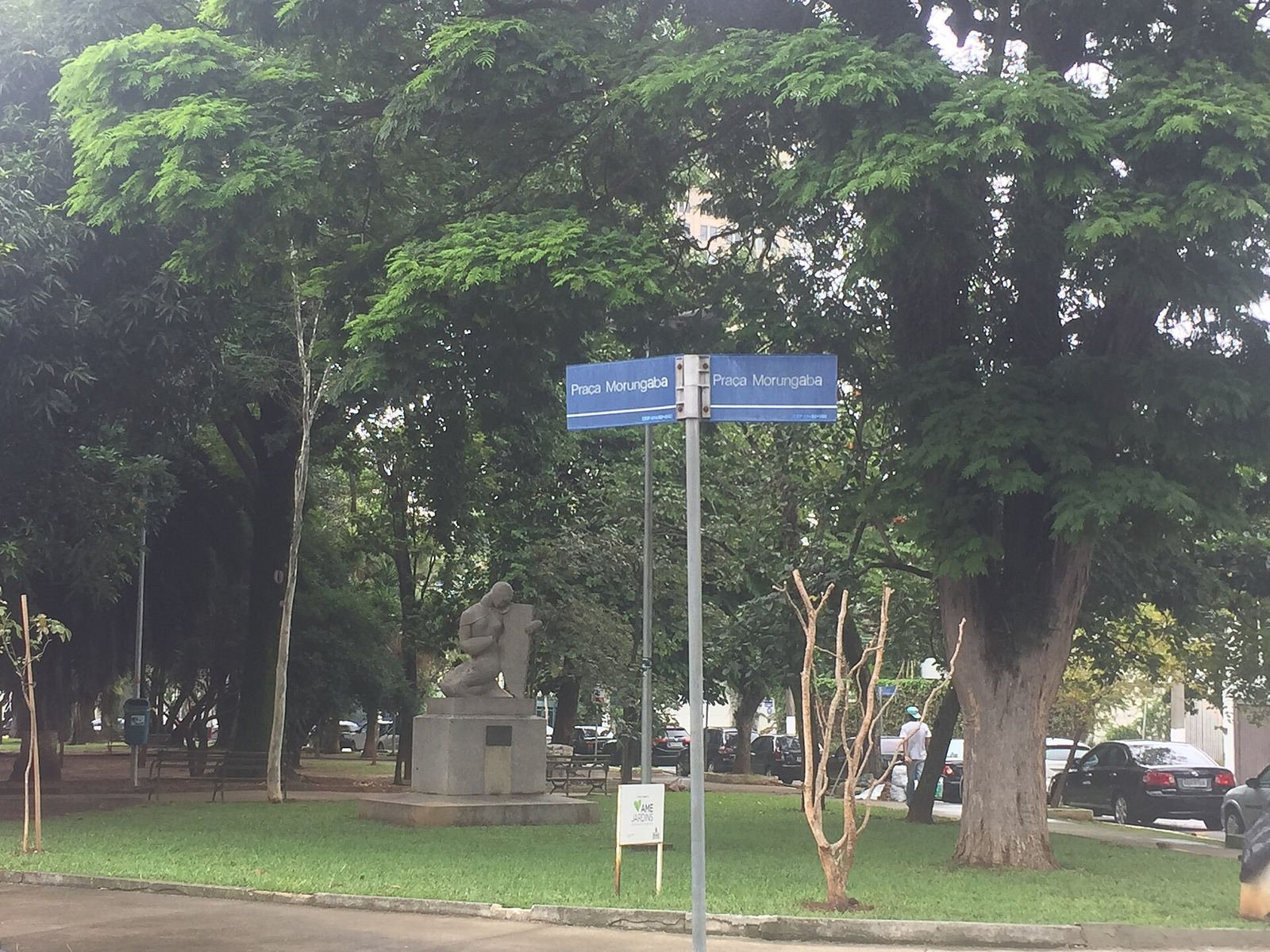
Try the full scene, then a sign crop; keep the original frame to check a promising source. Photo: Bia Muller,

Wikimedia Commons
, CC BY-SA 4.0 .
Decide whether you found the same photograph
Two pictures of the Matterhorn can look alike because the mountain is unmistakable. That does not make them copies of one another. Compare temporary and small details as well as the landmark: the cloud pattern, parked vehicle, tree branches, water, and exact edges of the frame.
The traceable photograph below includes a river, road, buildings, autumn trees, and the mountain. Those relationships let you compare a suspected copy more carefully than the mountain alone. You already have its source here, so this is a practice reference rather than evidence of a successful live search.
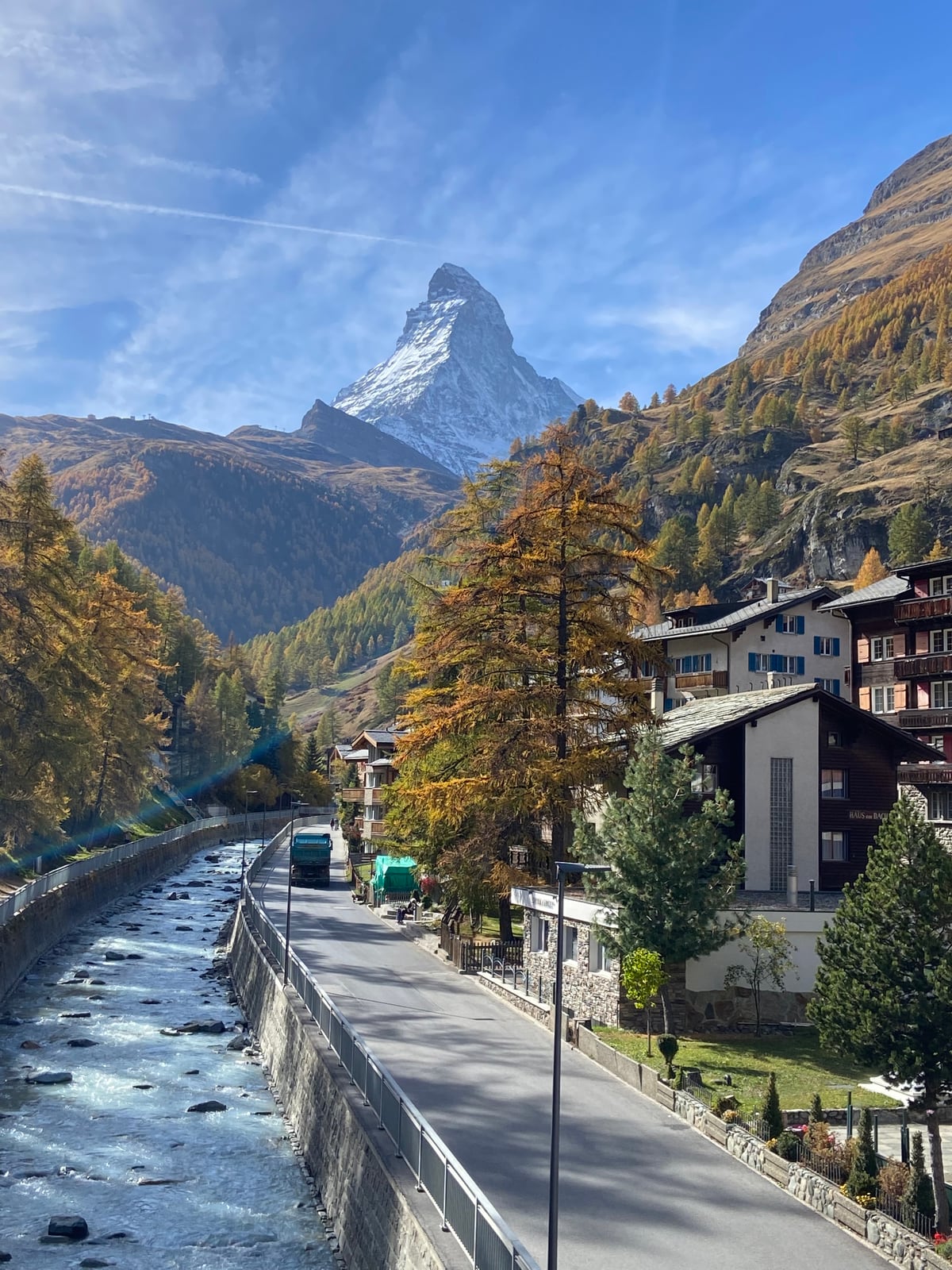
Traceable source example: compare the full composition before treating another Matterhorn picture as this same photograph. Photo by Neeleyj11,

Wikimedia Commons
,CC BY-SA 4.0. This example does not establish an exact camera position.
A resized or cropped copy may still be the same photograph. A second photographer's view of the same mountain is a different piece of evidence. When you use reverse image search to find location context, make that distinction before transferring a caption from one result to your image.
Read the caption in its original setting
Open the actual webpage. A search thumbnail can detach an image from the words that explain it, and a page title may describe an entire itinerary. Look for text immediately beside or beneath the picture, then inspect any linked description or file page.
Ask what the caption claims. “A view of the Matterhorn from Zermatt” identifies a subject and general setting. It does not identify every building, bridge, or camera position. “Our favorite hotels in Switzerland” might describe the article's topic while offering no location evidence for an individual photograph.
When using reverse image search to find location names, save the relevant sentence with its page link. Note whether it comes from the photographer, an archive, an image agency, or a later publisher. A clear attribution trail helps another person assess your conclusion without repeating the entire search.
Follow the credit without inventing an original author
A useful page may credit a photographer and link to a portfolio, archive record, or image file page. Follow that trail when it clarifies where the image came from. An author-supplied description can be more relevant than a repost's generic travel label.
Still, the first page you find is not necessarily the first publication. An earlier date in a result is a lead to investigate, not proof of authorship. A credit line can also be incomplete or copied incorrectly. Use “source found” when that is what you have, and reserve “original photographer” for a source that supports the attribution.
Several sites repeating the same caption may share one source. They do not provide several independent confirmations. Check whether each adds new evidence or merely repeats an identical claim.
Check coordinates on the source page carefully
If a matching page supplies coordinates, find out what those coordinates label. They might mark the landmark, a broad area, an image's recorded location, or a place discussed elsewhere in the article. Do not assume every map marker describes where the camera stood.
Compare the pin with the visible scene. Could the photographer see the subject from there? Does the river, road, slope, or nearby building fit the viewing direction? Coordinates with many decimal places still need an explanation. Precision in how a number is written does not prove that it is correct.
For your own original JPEG, you can separately check the file for saved GPS. A file's recorded coordinates and a webpage's location label are different sources; keep both in your notes and investigate any disagreement.
Separate the subject from the shooting spot
The Tokyo Tower photograph below provides a straightforward example. Naming Tokyo Tower identifies the subject. The upward angle and foreground structures describe a particular view of it. The tower's address alone cannot tell you precisely where the photographer was standing.
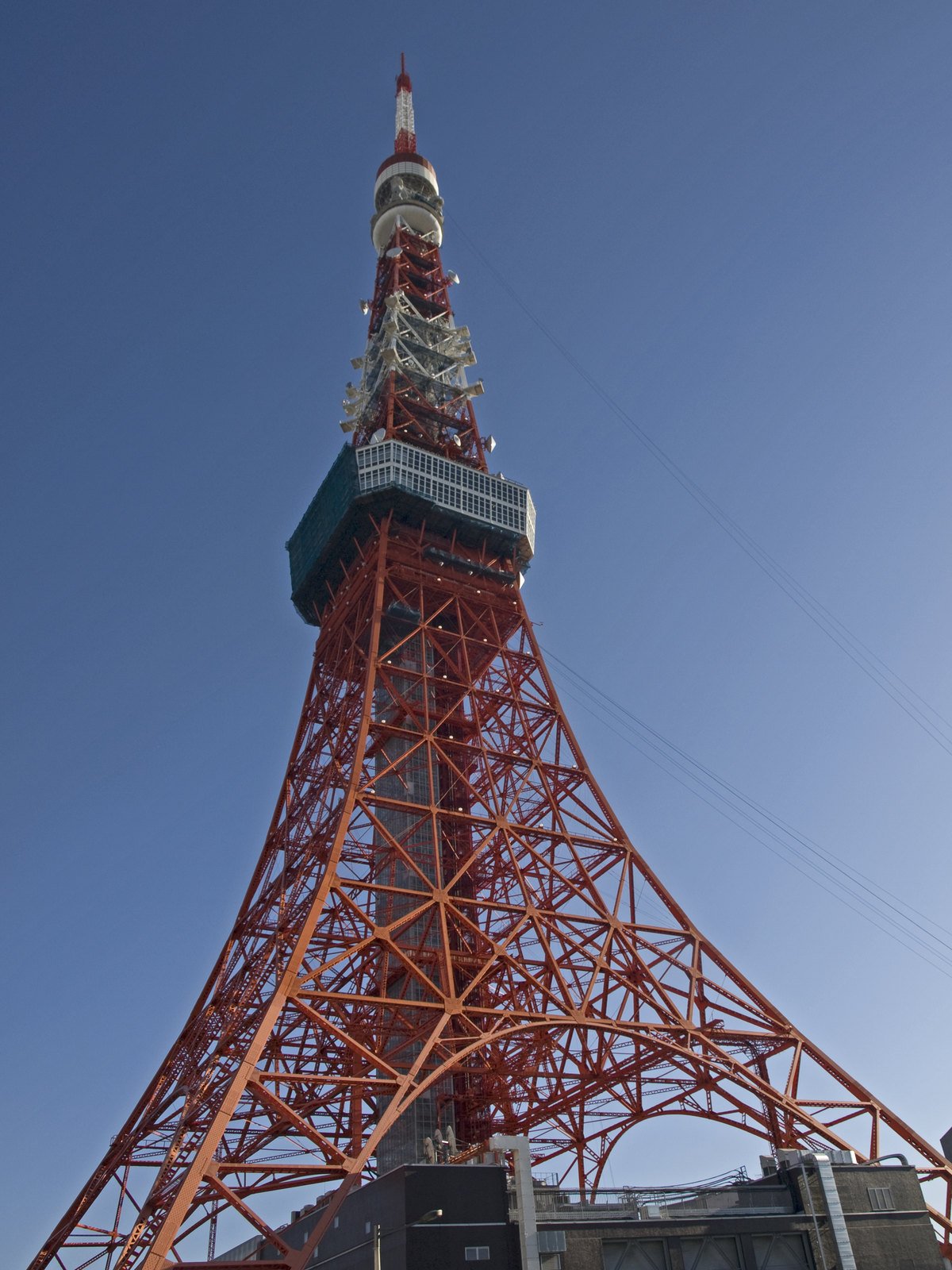
Traceable source example: identifying Tokyo Tower and identifying the camera position are separate tasks. Photo by Ymblanter,

Wikimedia Commons
,CC BY-SA 4.0. This is not a demonstrated reverse-search result or a verified shooting pin.
Use reverse image search to find location evidence at the level your task requires. A city may be enough to organize an album. Planning to recreate a photograph requires a defensible viewpoint and a separate check of current access. State “Tokyo Tower, viewpoint unconfirmed” if that is the limit of what you can verify.
When there is no useful matching source
An empty or unhelpful search does not show that the picture is fake or that its location is unknowable. A private photograph may never have appeared on a public page. A crop, edit, or low-resolution copy can also leave little to compare. Try a better copy and one distinct crop before deciding the source trail is exhausted.
You can then upload the photo to WhereIsPhoto for visual location candidates. It accepts JPG, PNG, and WEBP files up to 8 MB; sign-in is required, and each search uses one credit. Results can include up to three candidate locations, maps, and visual clues. These are suggestions to verify, not recovered publication records.
If you are looking for location details in an original caption, keep that question visible. An AI candidate may help your map research while leaving the author, source page, and original caption unknown.
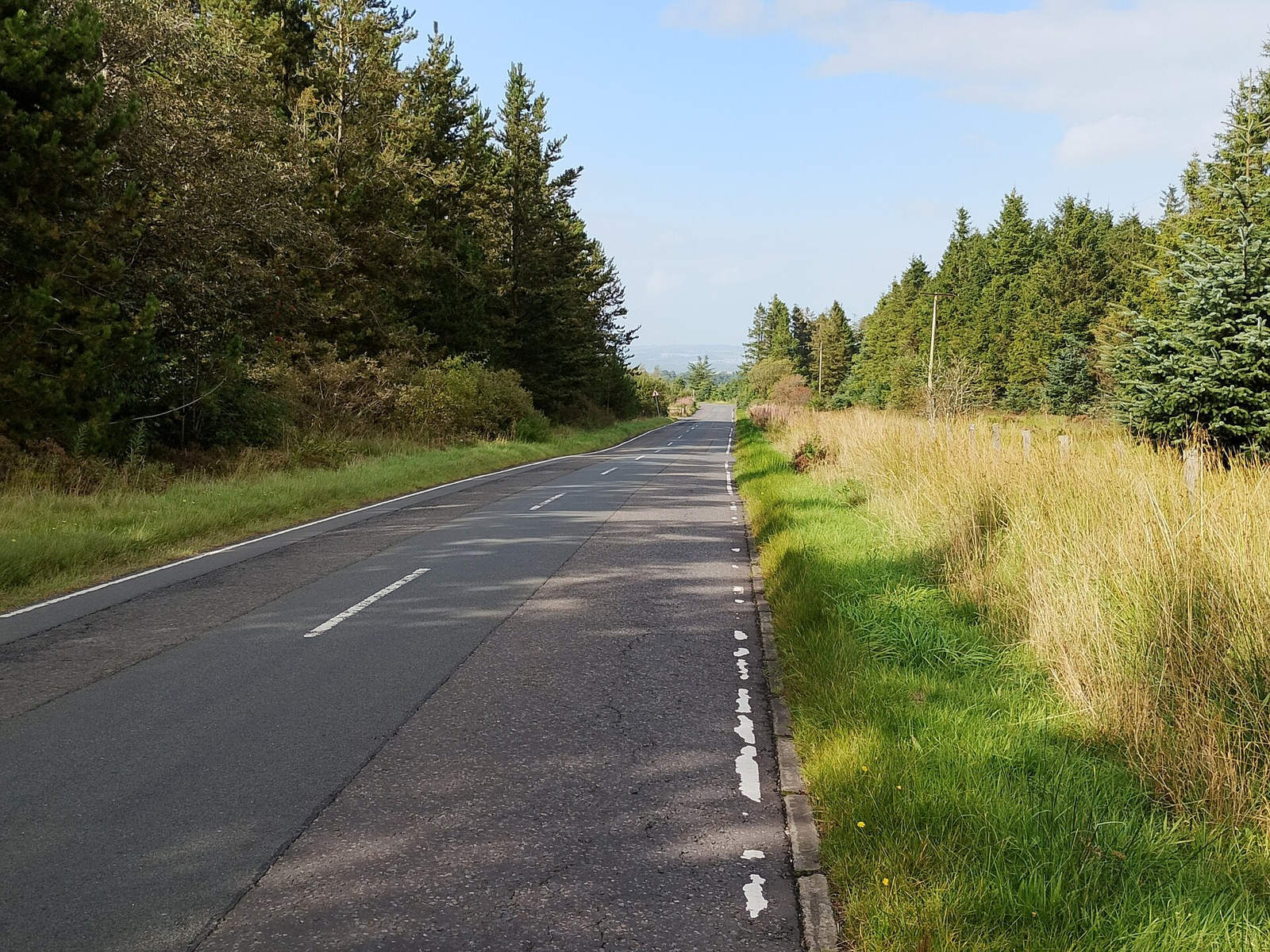
This road has a documented source, but a similar-looking road is not necessarily the same place. Photo: Jim Smillie,

Wikimedia Commons
, CC BY-SA 2.0 .
Common questions
Can reverse image search find an exact location?
Sometimes it can lead to a source that supplies one. Check that the page shows the same photograph and that its address or coordinates describe the relevant place. A visually similar image alone does not establish an exact shooting spot.
Is the first matching website the original source?
No. It may be a repost, syndicated article, or another copy. Follow credits and source links, inspect the image description, and keep authorship unresolved if the evidence does not identify the photographer.
Can I use reverse image search to find location without metadata?
Yes, if a useful public match or related source provides context. Searching visible image content does not require camera GPS. It also does not restore missing metadata to your copy.
What should I save after finding a plausible answer?
Save the matching page, image credit, relevant caption, candidate location, and the visual details that agree. Include any uncertainty about the viewpoint. If you need another lead, try the photo location finder and compare its suggestions with that record.